This post has been moved. See 100+ commercial cut files on Cutting for Business at this link.
This post has been moved. See 100+ commercial cut files on Cutting for Business at this link.
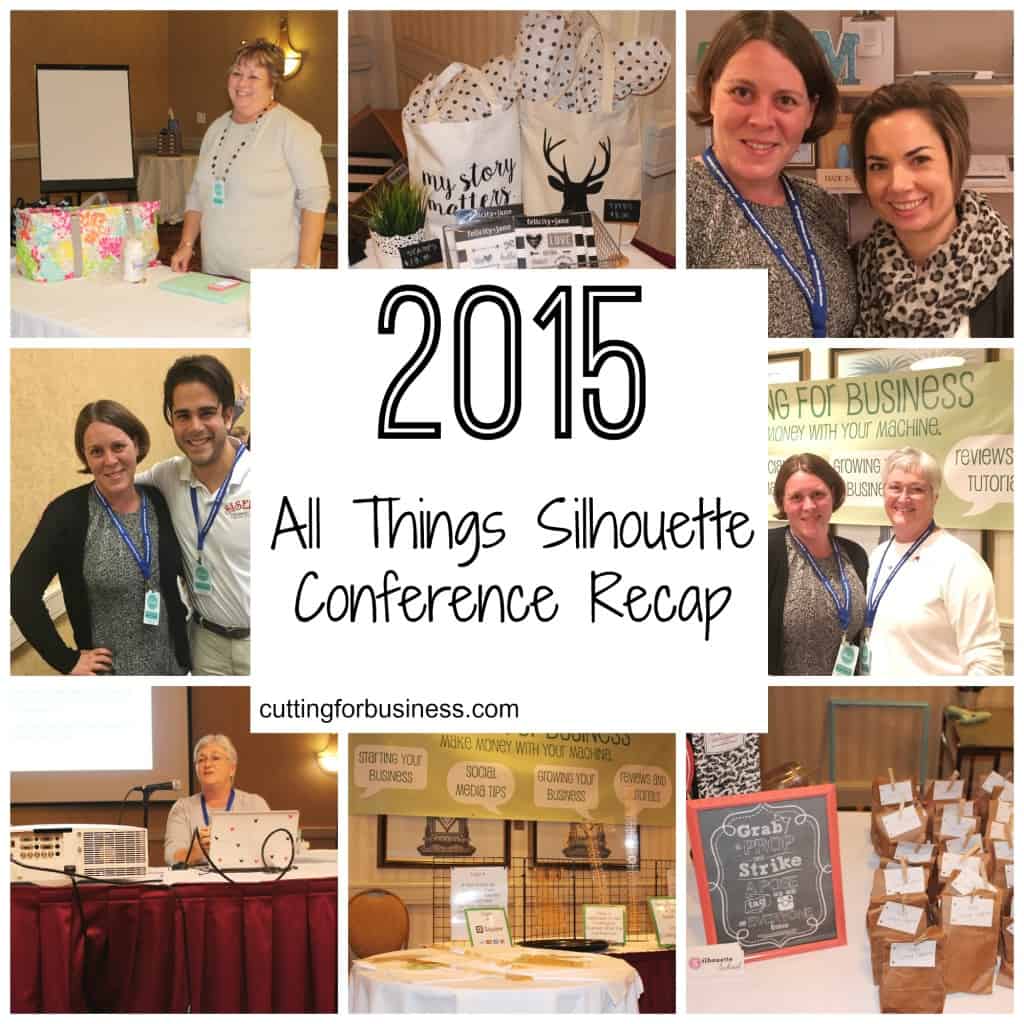
Hey everyone – I’m just in from the All Things Silhouette Conference in Peachtree City, Georgia! Today, I’ll give you a look around the conference and the dates for the next TWO conferences!
The conference was organized by mastermind Terri Johnson from Terri Johnson Creates. The event featured classes by an awesome collection of instructors, which included:
Some of the classes included:
The vendors included:
Included in the conference was buffet style breakfasts, lunches, and snacks, class sessions, admission to the vendor hall with make and take projects and plenty of shopping, admission into the Silhouette Hospitality Suite, plus lots of fun door prizes (including Cameos, Curios, and Mints) and more! I snapped a lot of photos throughout the event:


I’ve heard fantastic feedback from everyone about the conference and I enjoyed sharing my business knowledge, answering tons of business questions, and pre-releasing and autographing my book! If you’d love to join in the fun next year, the conference dates are April 2-3, 2016 AND November 4-5, 2016. Watch Terri Johnson Creates for registration details and act early – this first conference sold out quickly. See you next year!
Don’t forget to pin it and spread the word:
Did you know that if you are selling something with a military logo, military name, or military insignia you must get a license to do so? Today, we are going to look at the trademark concerns and licensing requirements for each of the five US military branches.
The military branches collectively hold over 500 different trademarks on their logos, slogans, and names. It is safe for all Silhouette and Cricut crafters to assume that any product they are selling with the name of a military branch or logo should be licensed. This includes phrases such as U.S. Army, U.S. Army, Semper Fidelis, A Few Good Men, Blue Angels, and many more. To find out if a specific phrase or mark is trademarked, head to U.S. Patent and Trademark Office TESS Search Engine online. This allows you to type in your phrase or mark to see if it is trademarked. If you locate a trademarked term you’d like to use, click on it and see what the trademark details are. It is possible that a phrase is trademarked on certain items (for example a phrase may be trademarked for use on cups but not shirts).
A special note on insignias: If you are interested in obtaining a license on an official seal, you should know that official military seals cannot be used for any commercial purpose.
Each branch of the military has different licensing requirements and contact information. The specifics of each branch make it difficult to provide comprehensive information, so the remainder of this post will summarize the processes and give you links for more information.
It is important to get a license or other permission if you use a trademarked design or slogan, including those related to the US Military. Unfortunately, trademark holders can (and will!) seek legal actions against you and/or your business for infringement.
Note: This article previously appeared on Terri Johnson Creates, but was removed after a website redesign. It was updated April 15, 2021.

I recently talked about the differences between the four versions of Silhouette Studio. As a refresher, they are Basic, Designer, Designer Plus, and Business Edition.
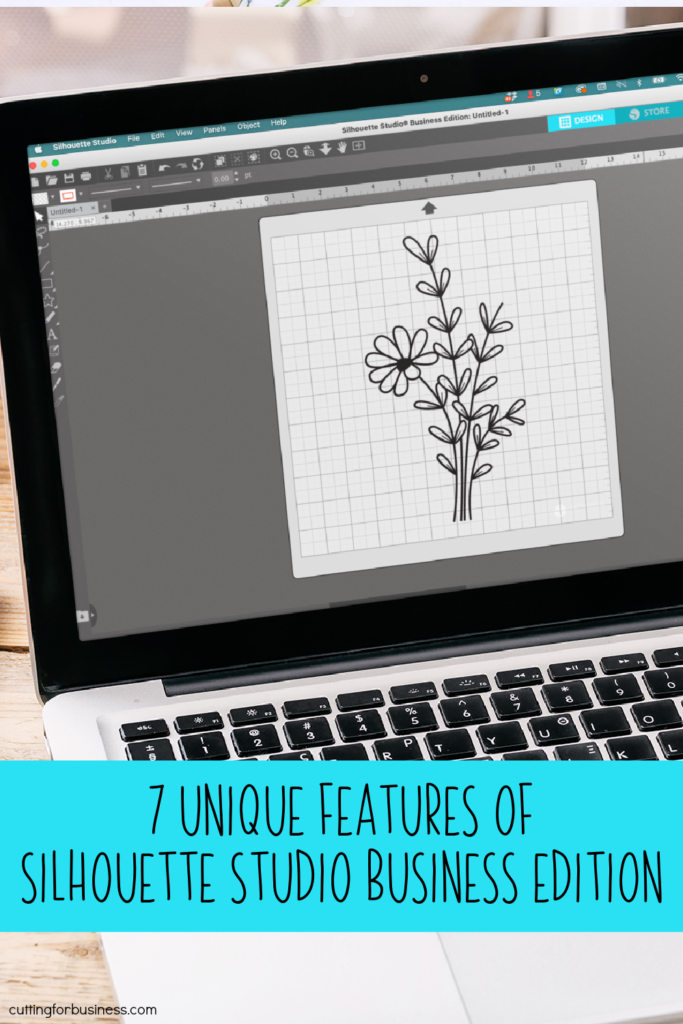
Today, I’m am going to give an overview of the additional features found only in Business Edition.
You can download or purchase Silhouette Studio through Silhouette America, authorized resellers, or Amazon.
I’ve covered Silhouette Studio Business Edition in depth. First, I explained the different versions of Silhouette Studio. Then, I highlighted the unique features of Business Edition.
Today, I’m going to give my opinion on whether or not Silhouette Studio is worth it.
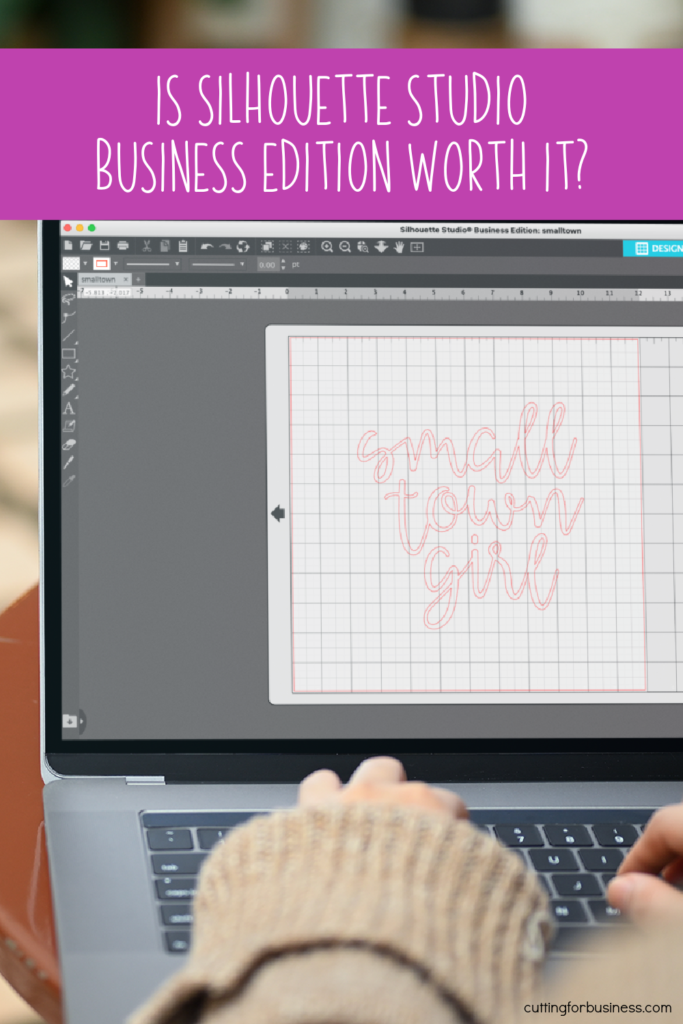
In my opinion, Business Edition is only worth it in certain circumstances:
If you want to learn to design SVG cut files in Silhouette Studio Business Edition, check out my course How to Design SVGs.
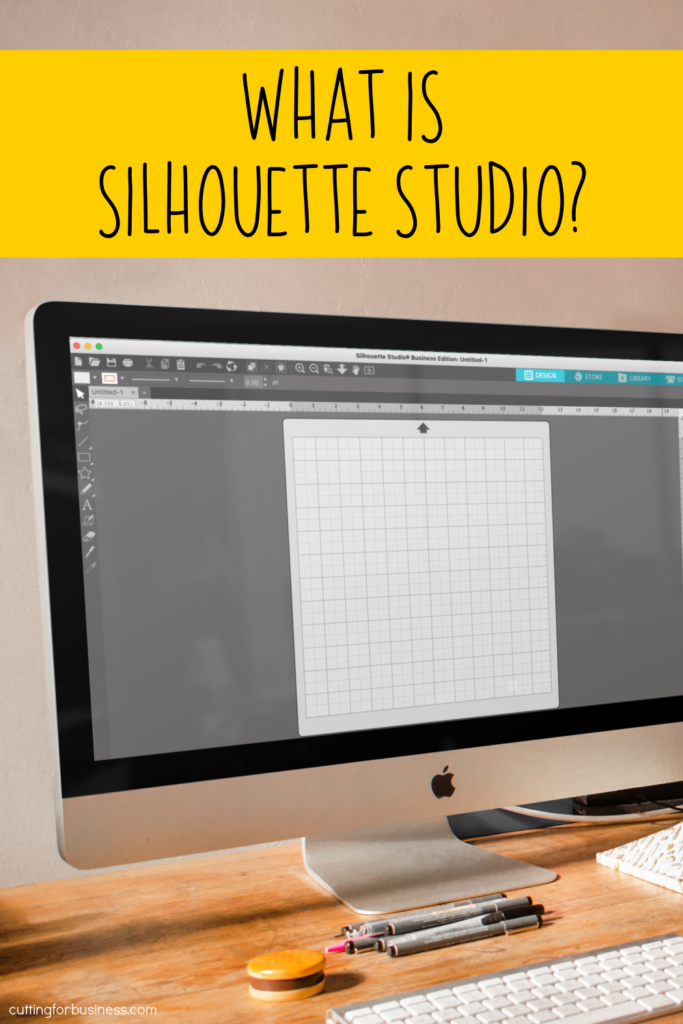
Silhouette Studio is the name of the software design program that most crafters use to create designs with their Silhouette Portraits, Cameos, and Curios.
Silhouette Studio is available in four versions.
Silhouette America offers an awesome chart that lays out each feature of each edition. Silhouette Studio Version Comparison Chart.
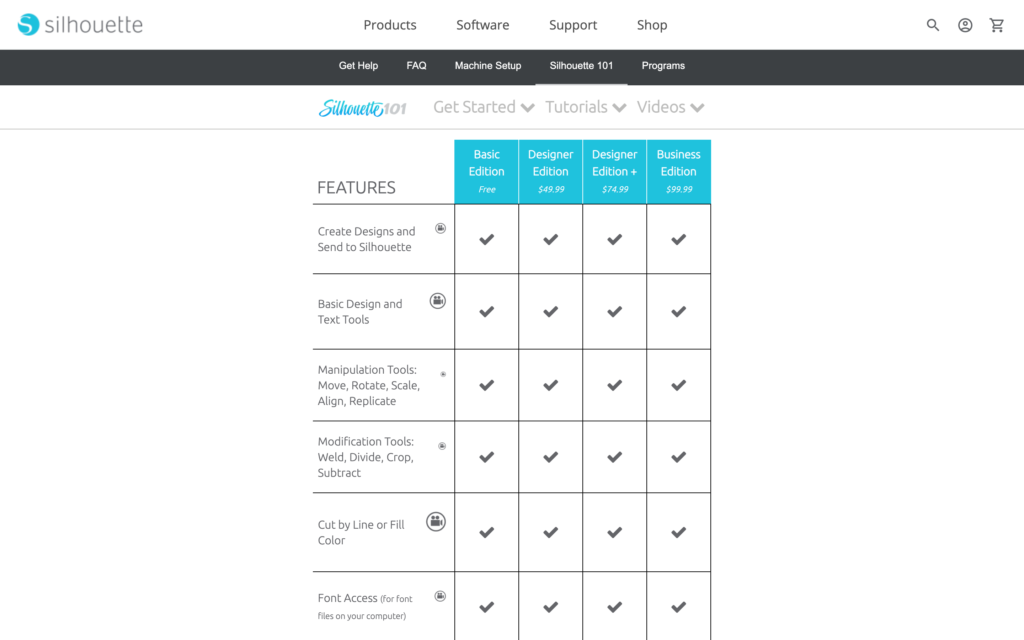
The best Silhouette Studio version depends what features you need. For example, if you need to be able to save as an SVG, you’ll need to purchase Business Edition. But, if you need to open embroidery files, you can purchase either Designer Plus Edition or Business Edition. And, if you are just getting started, feel free to stick to the Basic Edition until your outgrow it.
Personally, I use and love Business Edition. Also, if you are interested in learning to design SVGs in Silhouette Studio Business Edition. I offer an online class called How to Design SVGs.
You can download or purchase Silhouette Studio through Silhouette America, authorized resellers, or Amazon.
Yes. Lots of Cricut and Glowforge users use Silhouette Studio to create designs for their machines as well. As long as you have Silhouette Studio Business Edition and your machine takes SVG files – you can use Silhouette Studio to create your designs.
Read more about the unique features of Silhouette Studio Business Edition and whether Business Edition is worth it.