There’s no argument that foil and metallics are trendy right now! One aspect of owning your own Silhouette or Cricut based business is choosing what products are best for you and for your customers. Today and tomorrow, I’ll show you two different products to add foil (or the foil look) to your Silhouette or Cricut small business.
First, let’s look at one of Siser’s newer products – adhesive heat transfer material.
Here’s how it works:
- Once you’ve created your design, mirror it and cut out the adhesive heat transfer material on your Silhouette or Cricut. You’ll then weed it as you would with any other heat transfer vinyl product. I found that it weeds easily.
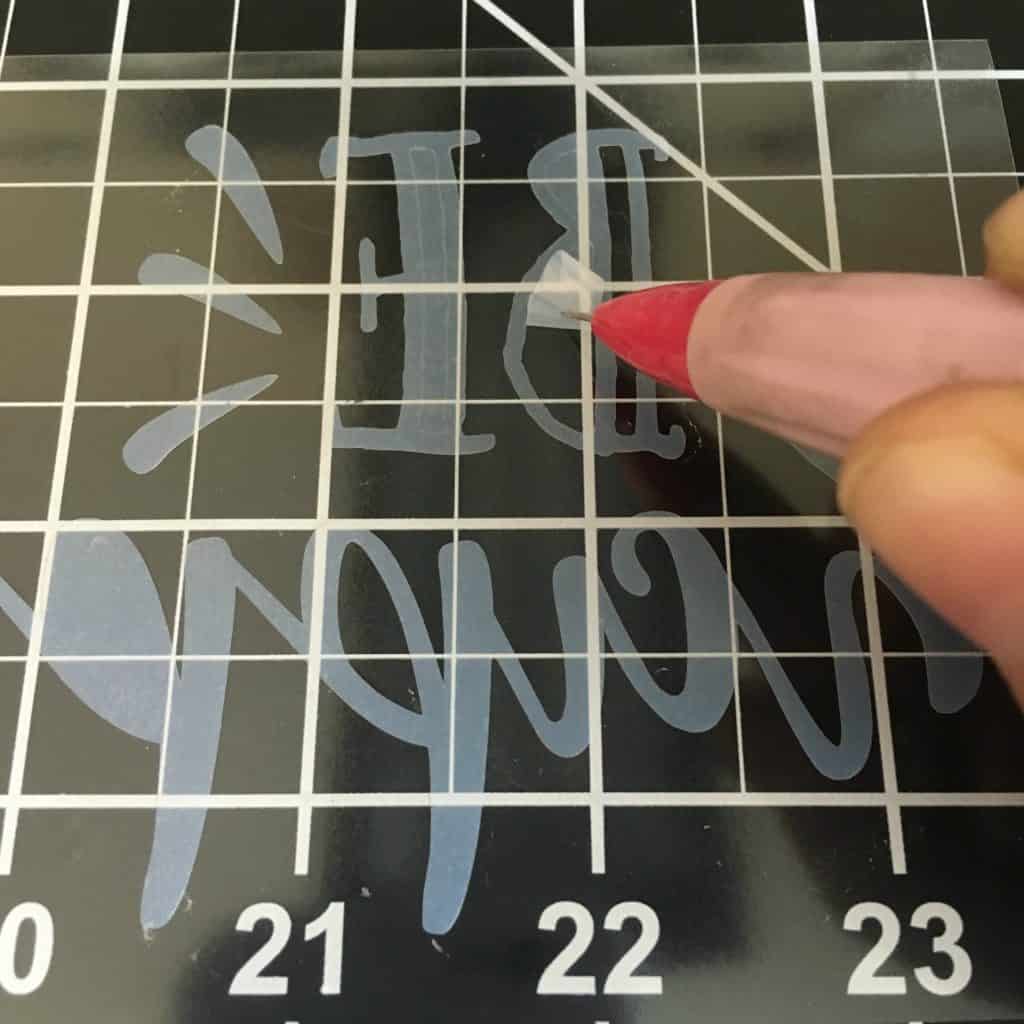
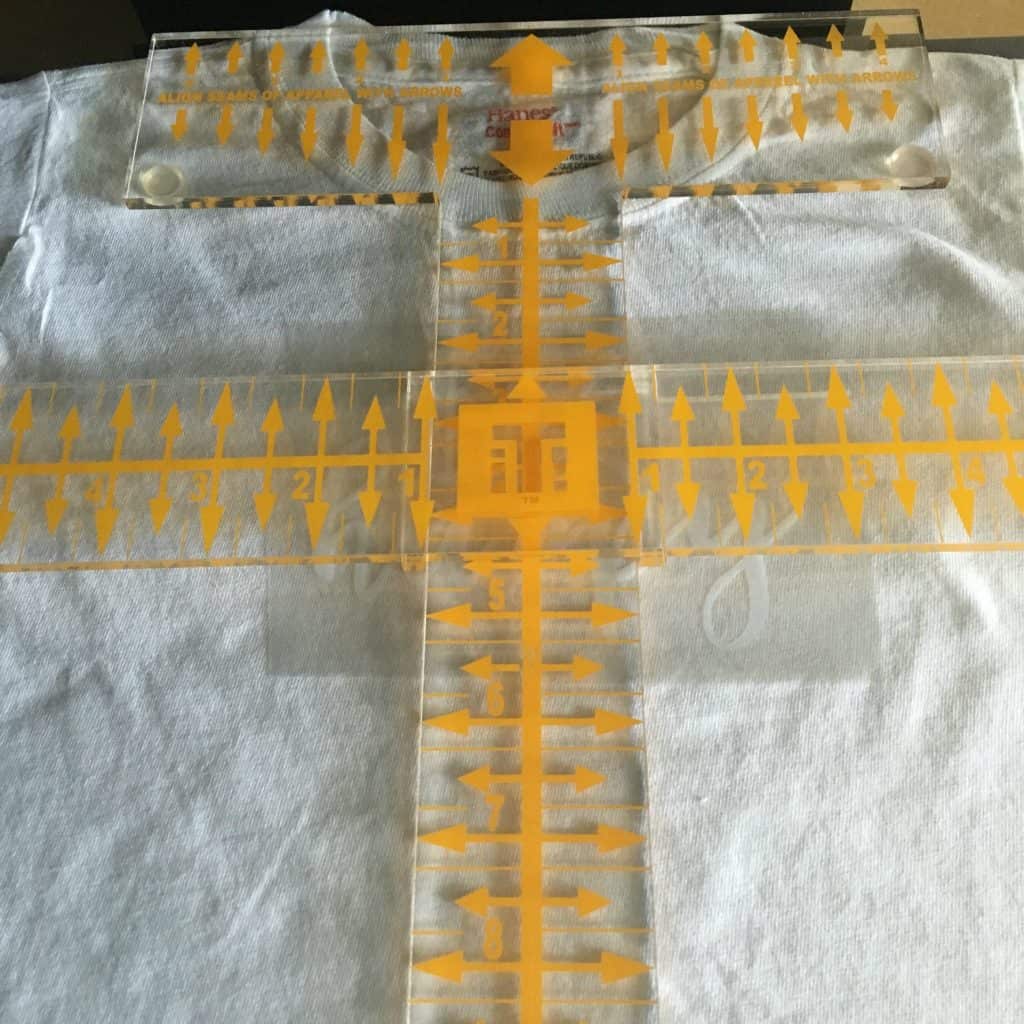
- Line up the adhesive vinyl and press it onto your apparel with your heat press. I used medium pressure, and pressed for about 20 seconds at 305 degrees. (Of course, I used a Tee Square It to align everything!)
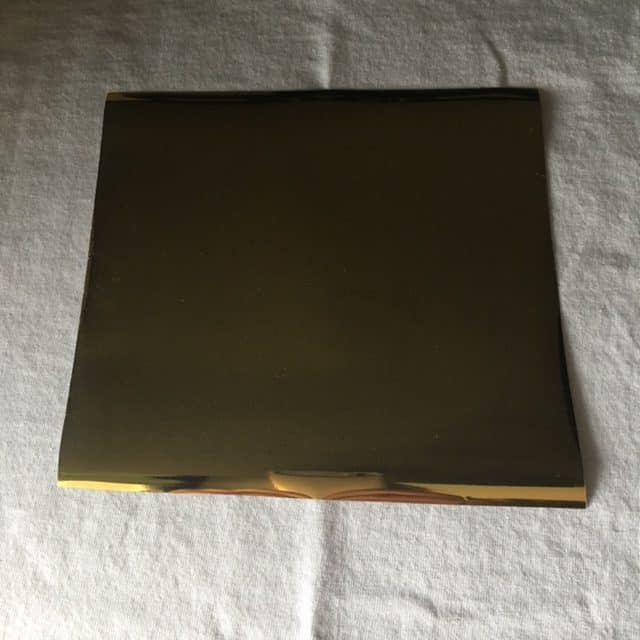
- Now, you’ll take your foil (in this tutorial I used Crown Leaf Foil I purchased here) on top of the Siser Adhesive. You’ll place it foil up and press with medium pressure for 15 seconds at 305 degrees on your heat press.
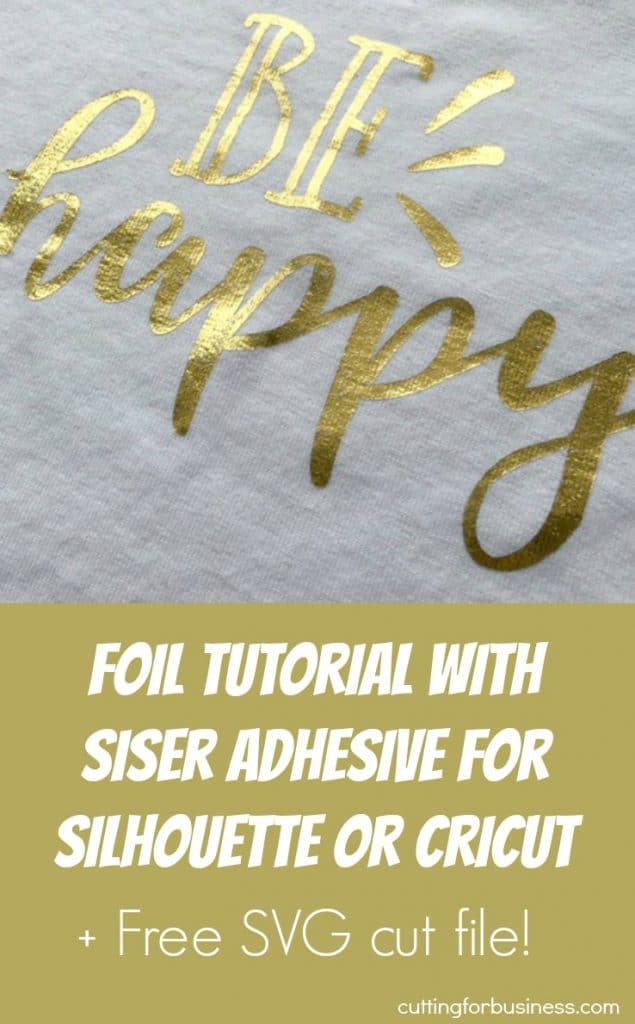
- Last, peel the foil off once it is cooled. Here’s the finished product shown below.

Easy, right? Continue on to the next post where I show you another way to achieve the foil look with your Silhouette or Cricut. Then, you can make an informed decision about which product is best for you and your customers.
Before you go, if you’d like the Be Happy file above – download it here. Feel free to use it for commercial use, no credit to me required. Then, share this post on Pinterest:
Leave a Reply