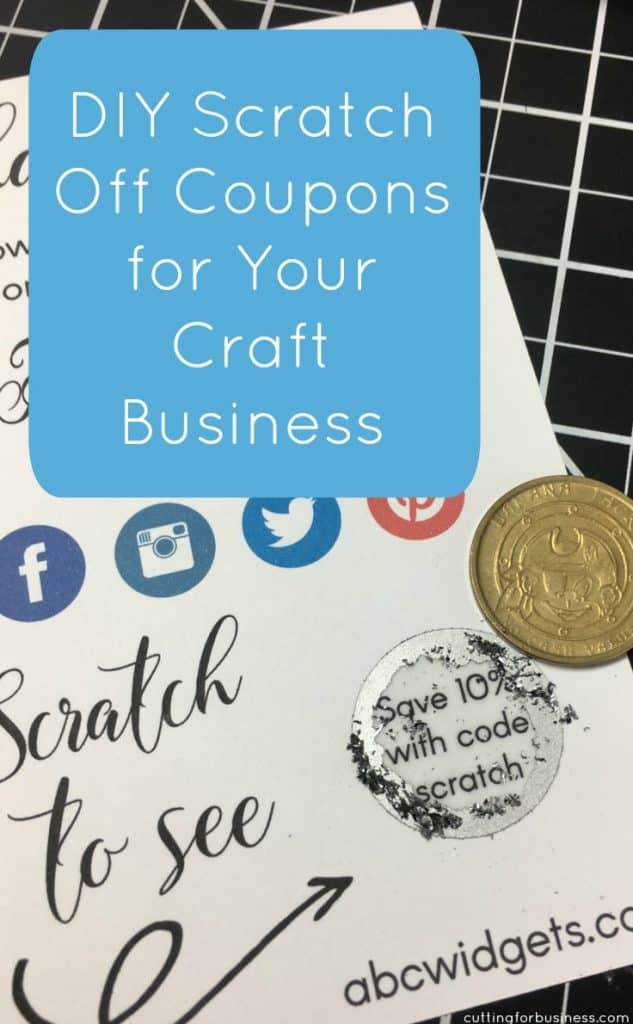
Bounce back offers are those that customers receive when they purchase and item and open their package. We see them in all kinds of business: cruises and vacations, online purchases, and receipts at big box stores. The goal of a bounce back offer is to bring a customer back to your business after they make a purchase. As Silhouette Cameo and Cricut Explore small business owners, we can do the same. This is as simple as putting a card in your package with a coupon code for the next order. But, let’s have a little fun with it! Today, I’m showing you how to use scratch off material to create custom scratch off cards.
Scratch Off Coupon Tutorial
- Design a thank you for your purchase card in Silhouette Studio or whatever program you feel comfortable working with.
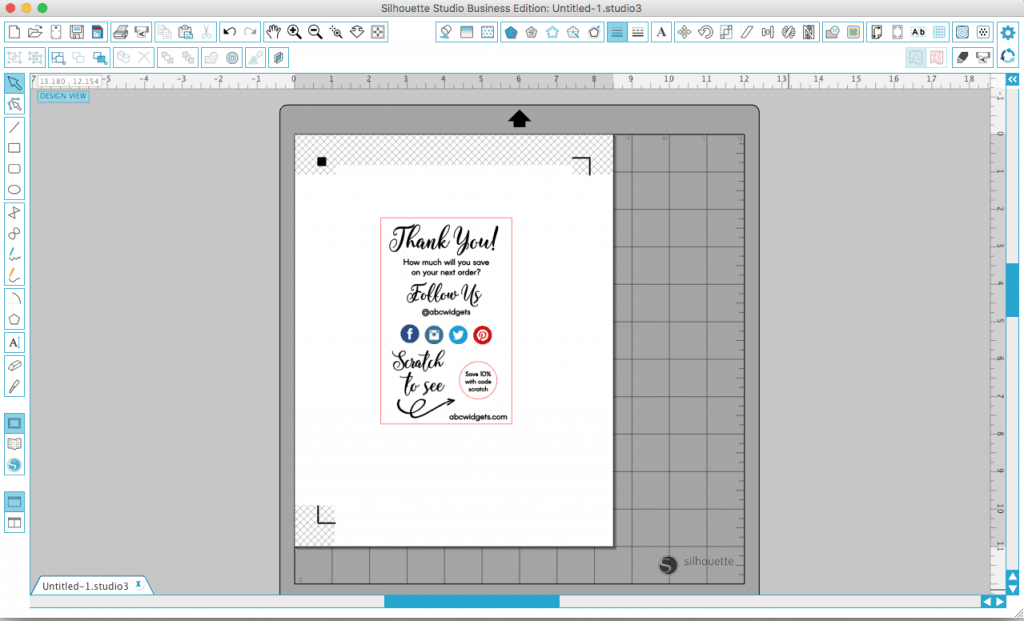
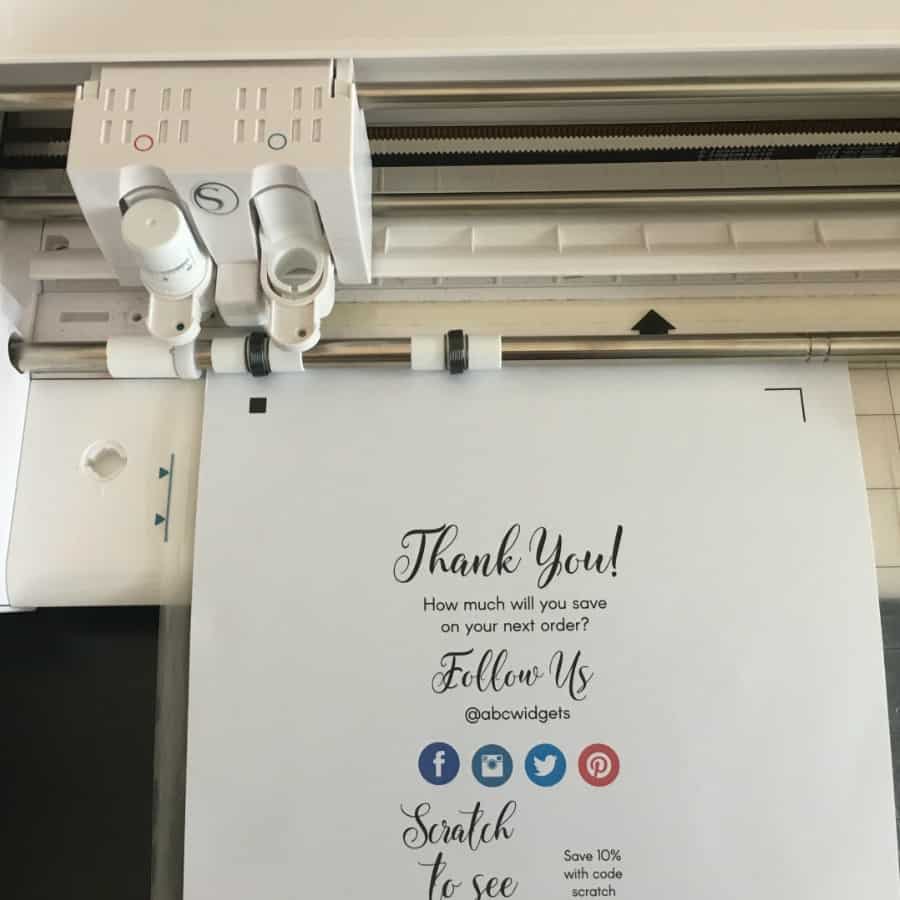
- Print and cut (or print then cut) your card.
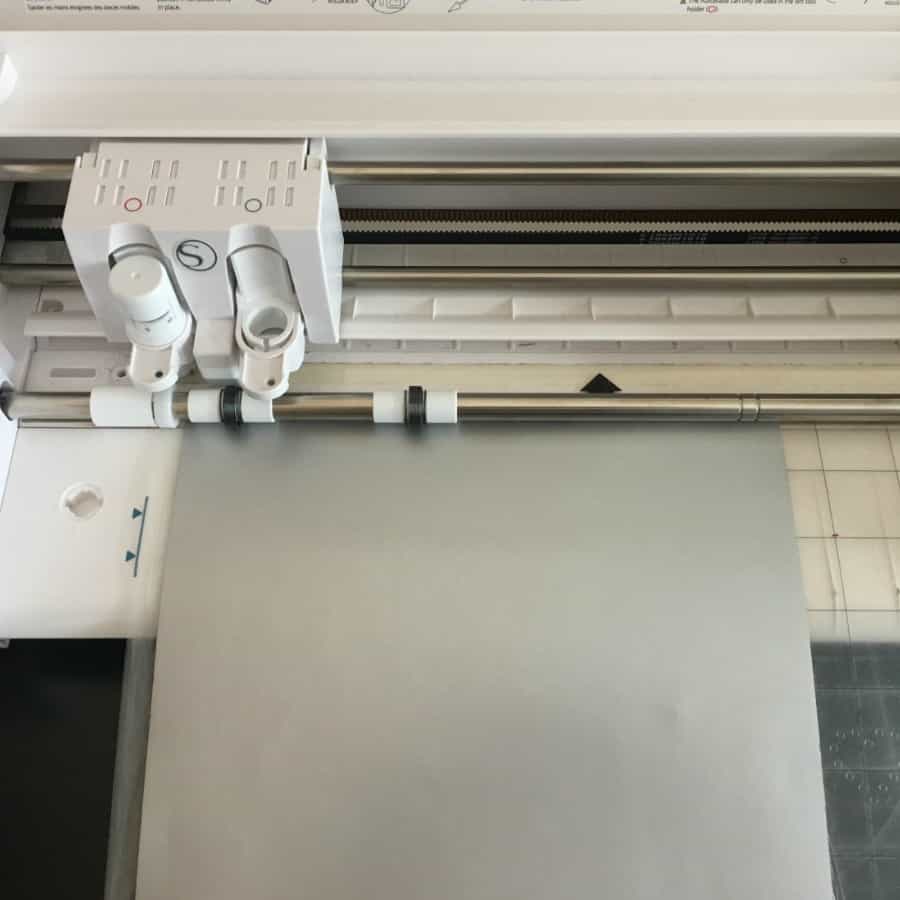
- Cut Silhouette scratch off material in a shape to cover your coupon code. I used a 1 inch by 1 inch circle.
- After cutting, peel off the scratch off material sticker and place it over your coupon code.
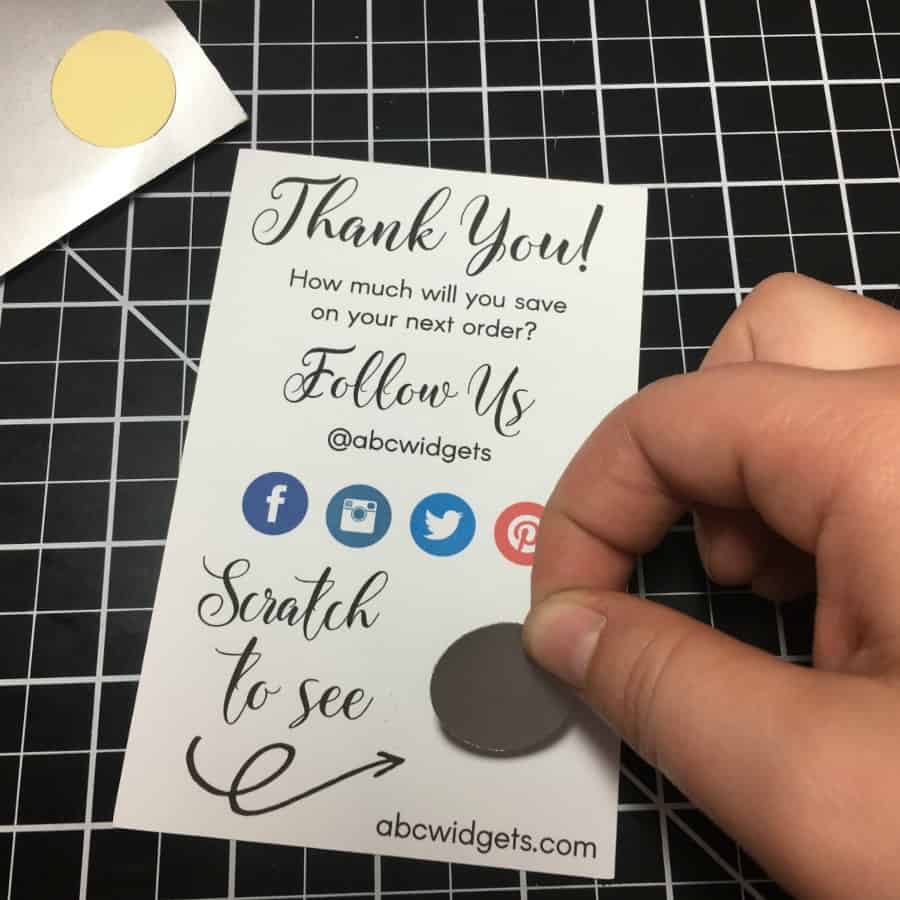
That’s it! When customers receive their card, they will scratch it to reveal a coupon code to use in your shop. Have fun with this – the possibilities are endless!
Note: If you don’t have a Silhouette Cameo or a Cricut Explore, you can do this without: Either print and cut out your cards or have them printed at a Vistaprint. Then, purchase precut scratch off stickers and assemble.
Save to Pinterest:
Leave a Reply