Yesterday when I was doing research on my post about Happy Crafter’s new heat transfer vinyl product, Craft Perfect, I noticed that it was advertised as “works on leather”. Since I had some leather laying around, I put it to the test by making a leather bracelet.
Using Craft Perfect on Leather
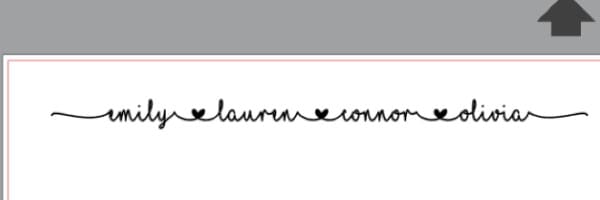
- First, create your design in Silhouette Studio or Cricut Design Space. I used Silhouette Studio (version 4 beta) and the MF I Love Glitter font:
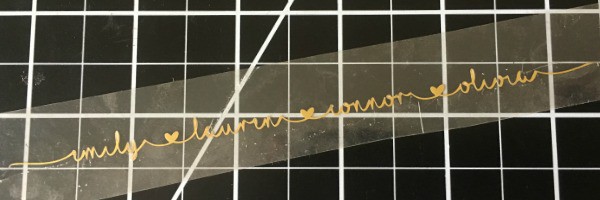
- Mirror the design, cut the Craft Perfect on your machine, and weed it:
- Lay the weeded Craft Perfect on your leather blank. In this tutorial, I’m using a half inch wide leather strip that I have cut to size for a bracelet. You can pick up the same leather here.
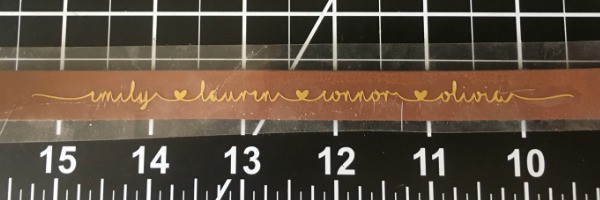
- Using a heat press at medium pressure and 300 degrees for 15 seconds, press the Craft Perfect onto the leather. Mine turned out perfect:
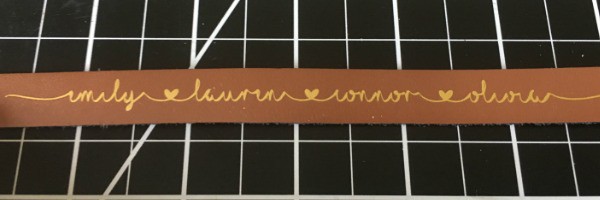
Now, you can finish your bracelet off by adding any kind of closure you’d like. For me, I finished it off with a simple snap: 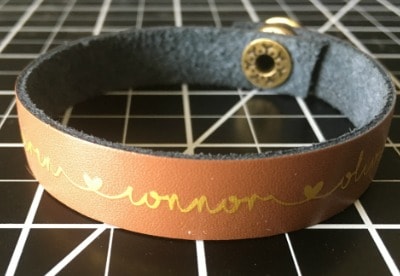
Interested in learning to set snaps in leather? Tandy Leather has a wonderful video tutorial here. It’s pretty easy once you do a few, but you’ll need to have a few tools on hand: 1) Snap setter and anvil. I own this one. 2) A mallet – any will do – like this one. 3) A leather hole punch. 4) And, snaps for leather!
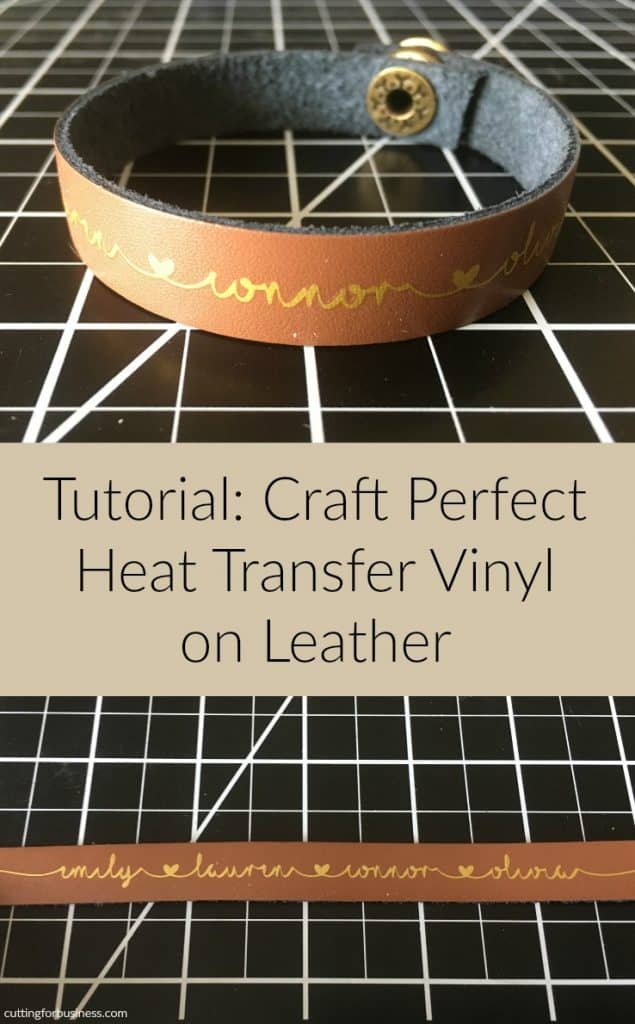
Ready to try out Craft Perfect on leather? Before you do, save this post to Pinterest:
Leave a Reply