Mother’s Day is less than a month away! Let’s make a floral Mother’s Day SVG today.
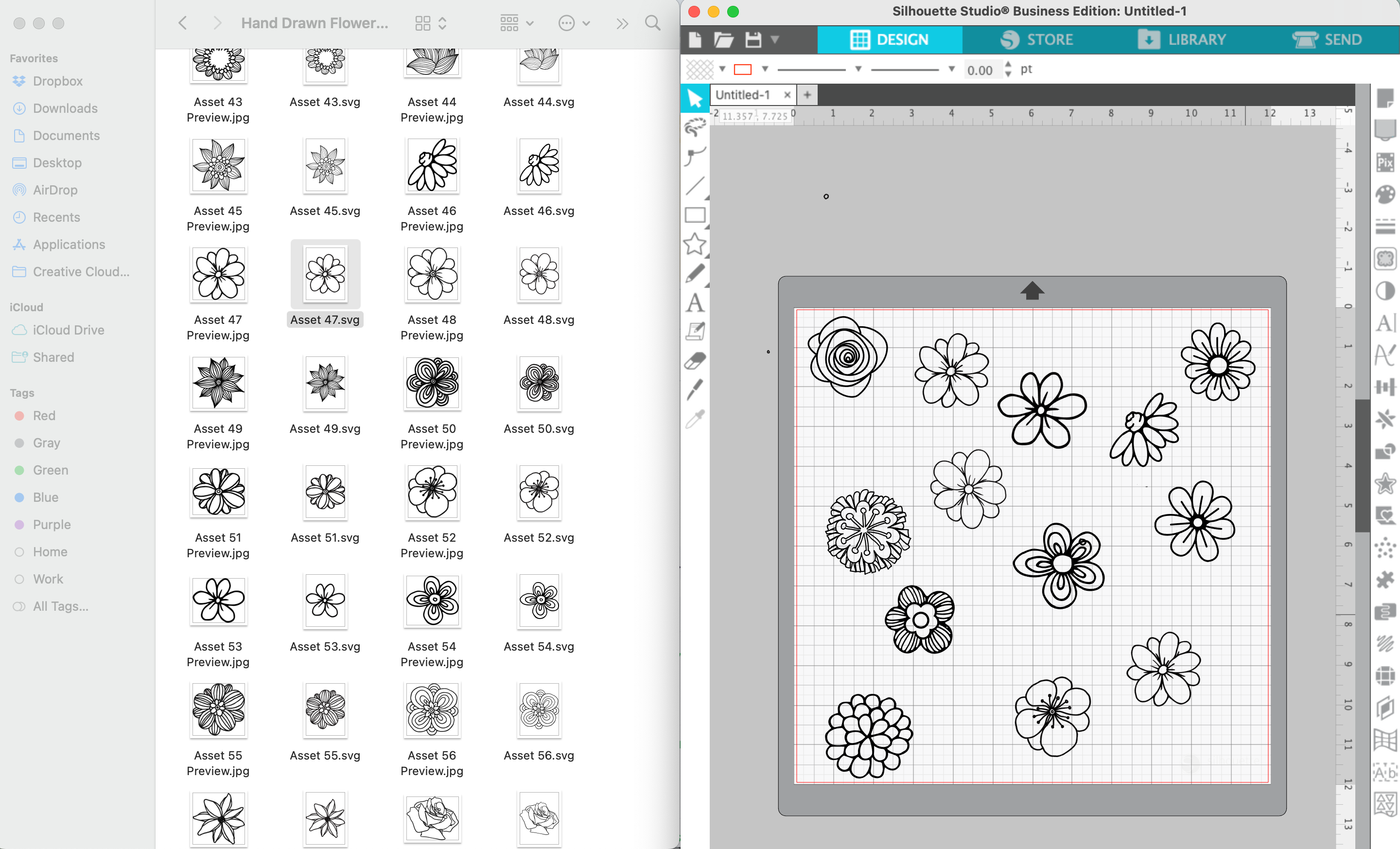
Before you get started, you’ll need some line art flowers. I purchased this set of hand drawn flowers.
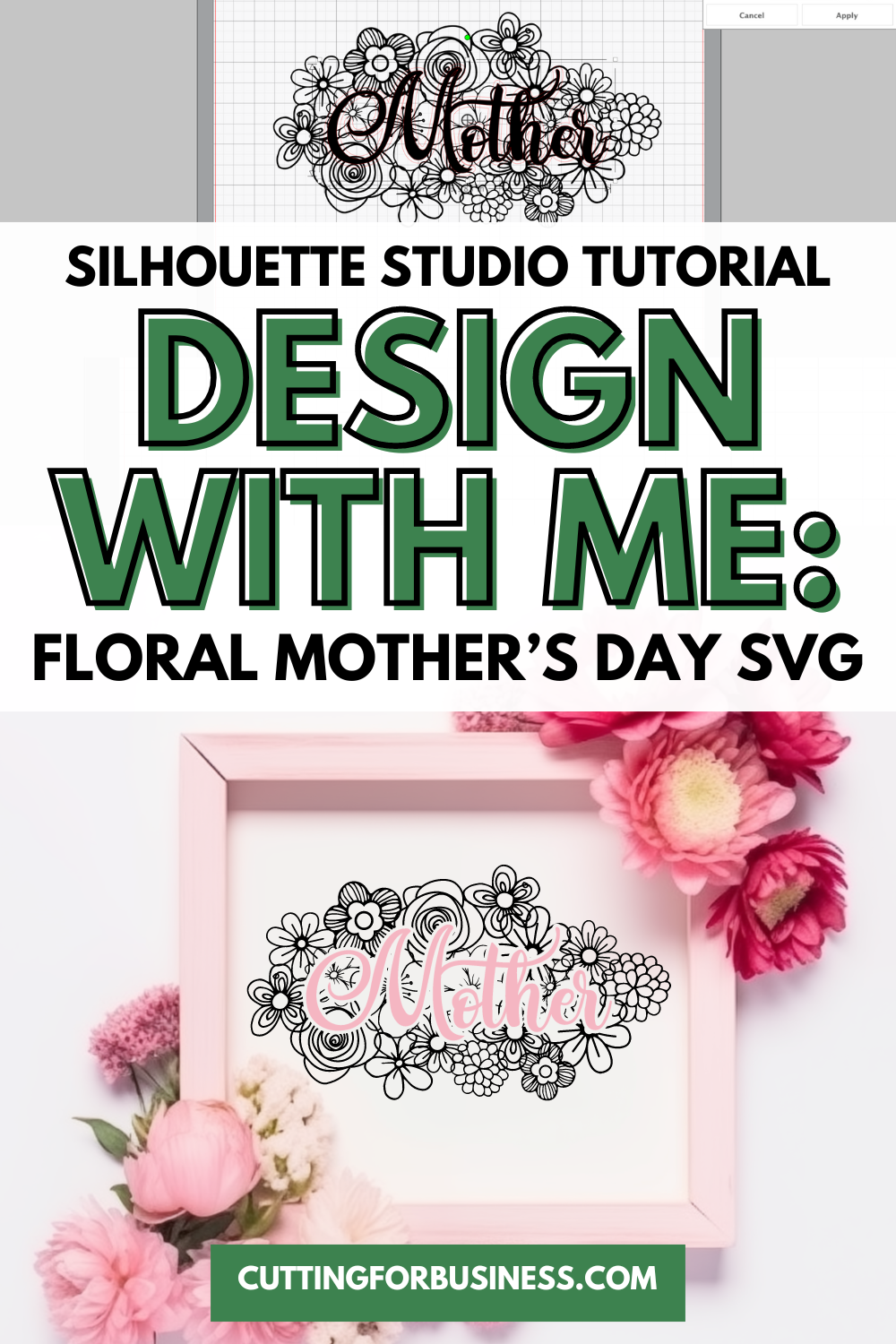
Tutorial: Floral Mother’s Day SVG
- Open your line art flowers in Silhouette Studio. I’ve found the easiest way to open multiple designs on the same mat in Silhouette Studio is to just drag them from the download location onto the mat. (I have a Mac, so this may or may not work for you.)
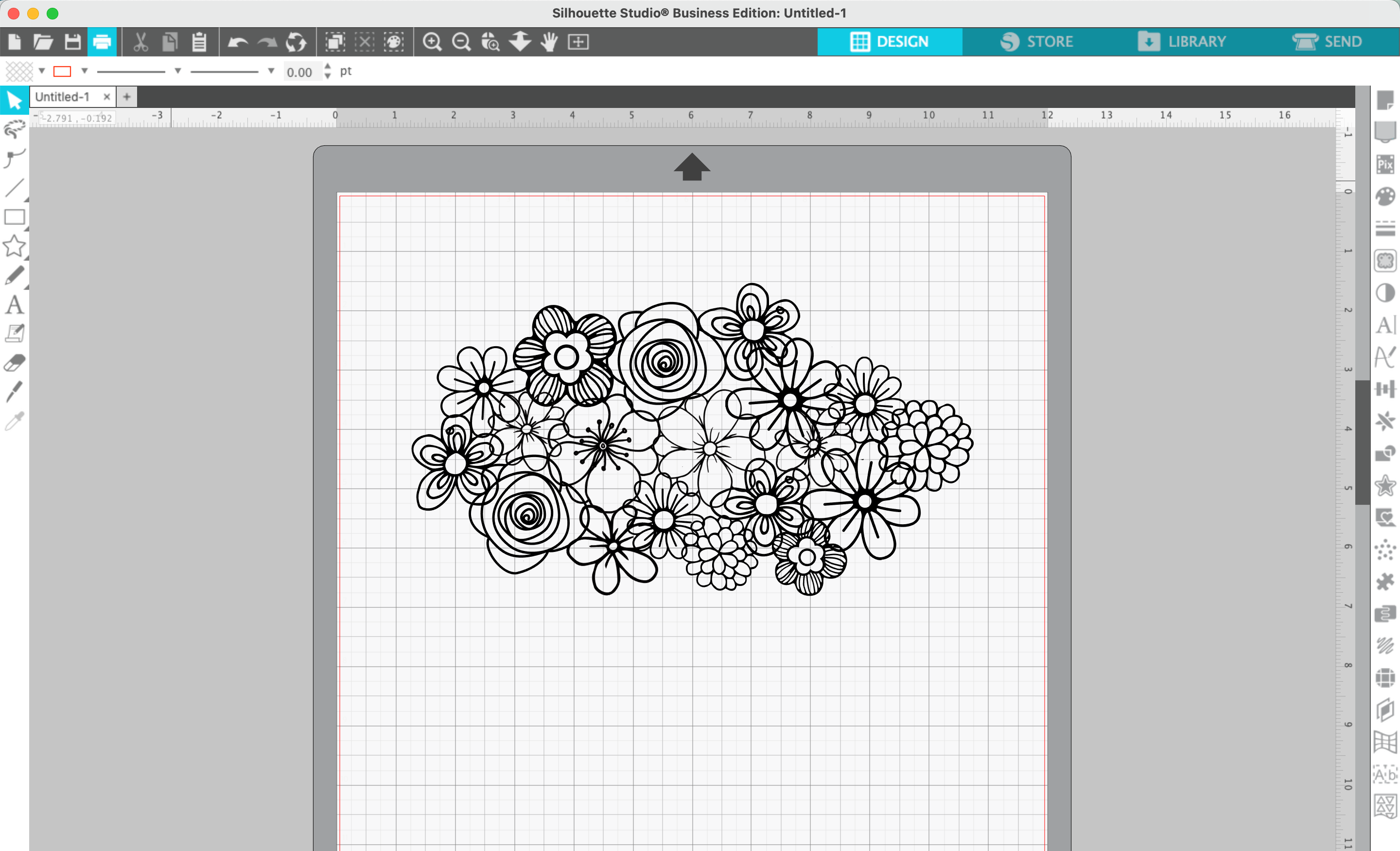
2. Once you’ve got all the designs open, arrange them into a cluster. Duplicate, resize, and rotate as needed.
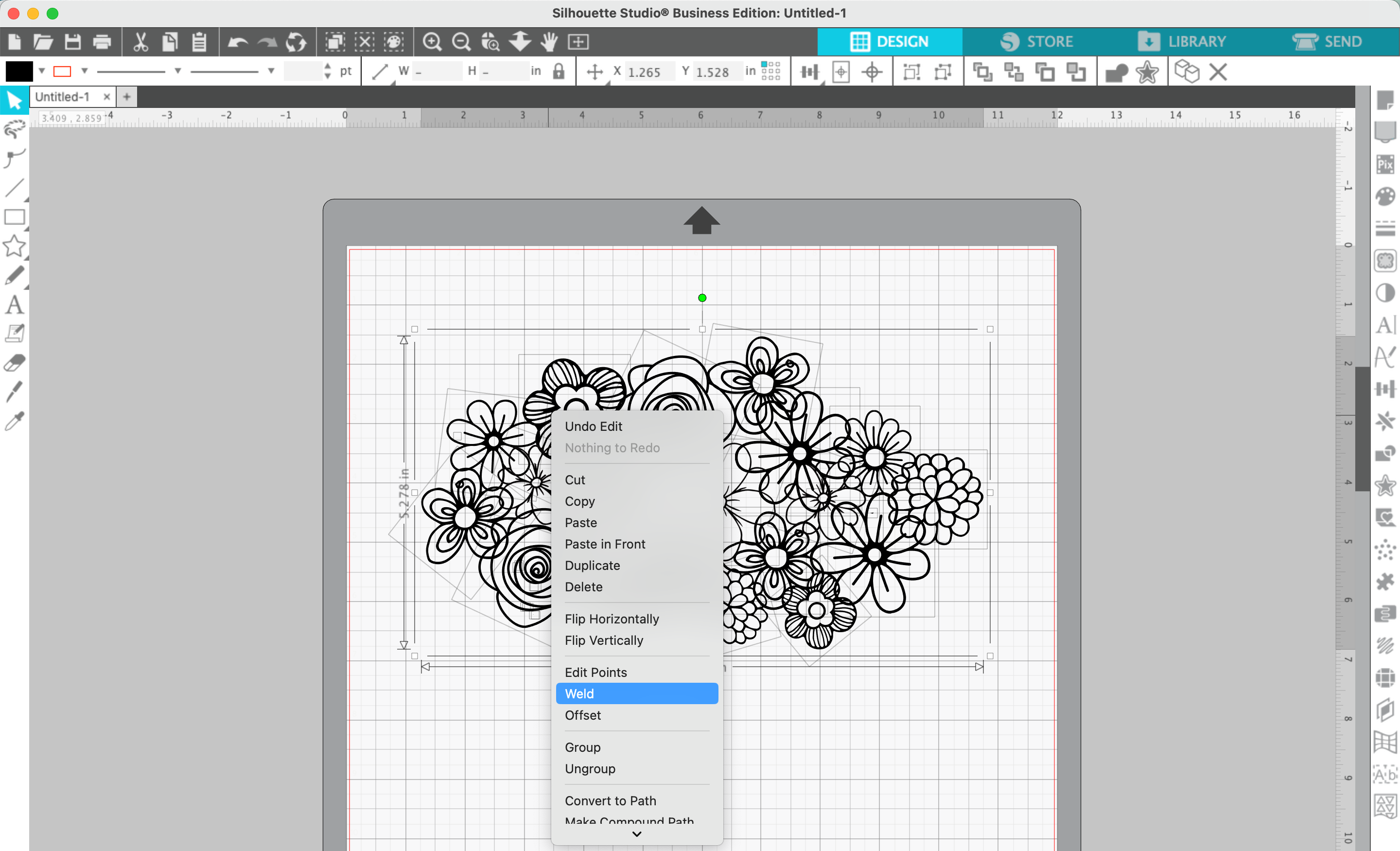
3. Select everything, right click, and ‘Weld’ together.
4. Type the word ‘Mother’, ‘Mom’, ‘Grandma’, ‘Nana’, and so on in a script font. In this tutorial, I’m using Amastery Script. Weld the text if needed.
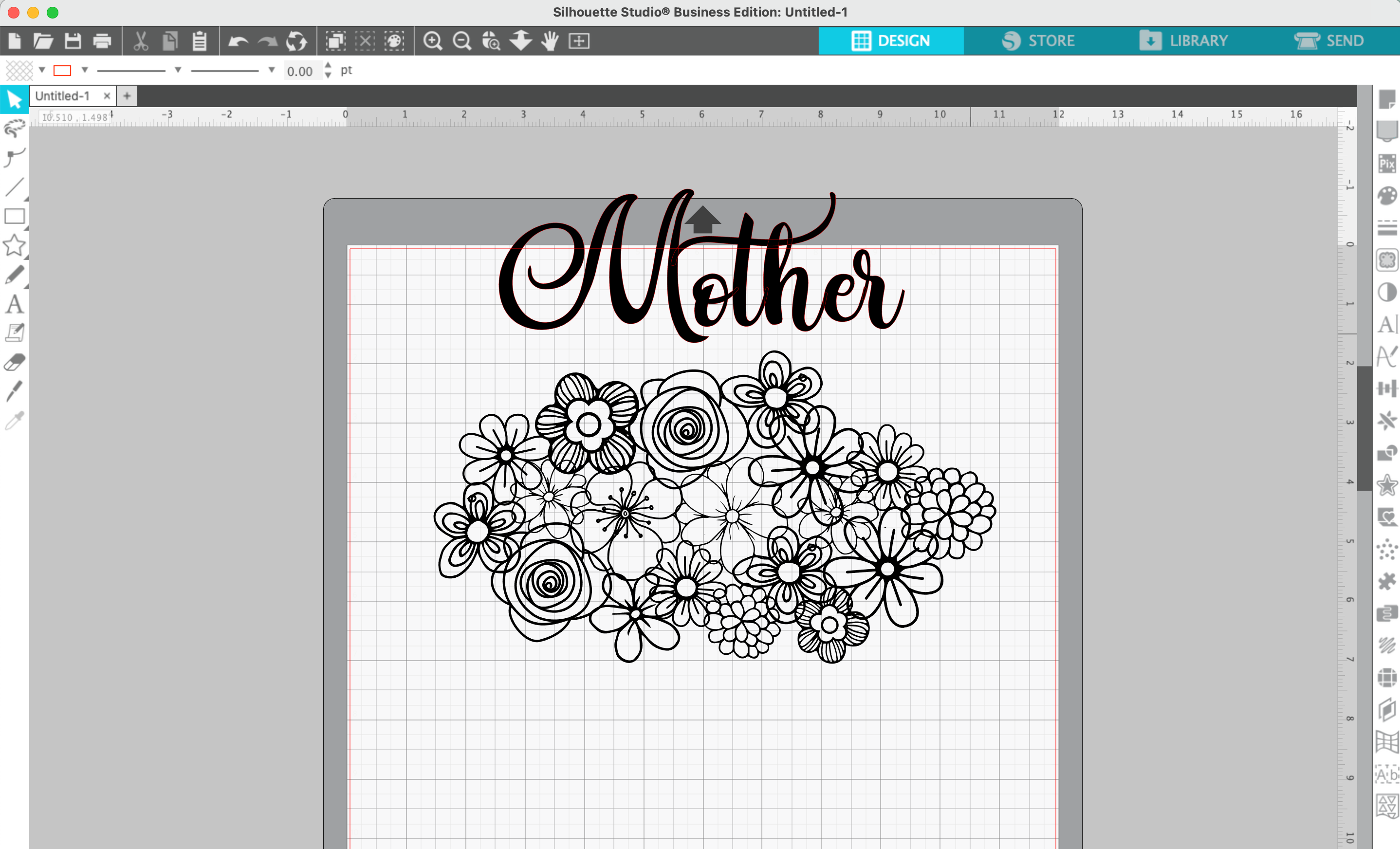
5. Drag your text onto the floral cluster.
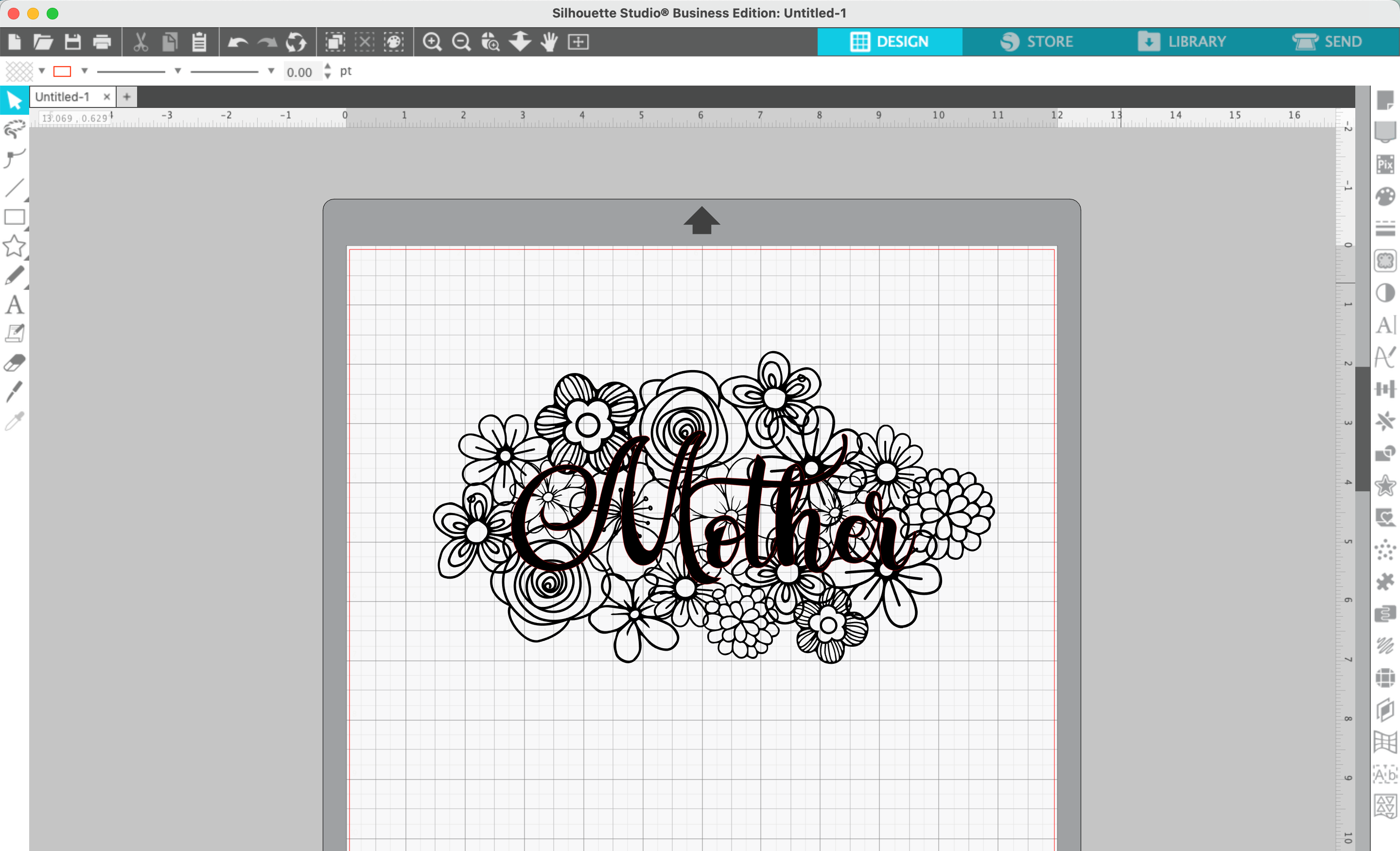
6. Navigate to ‘Panels’, then ‘Offset’, and offset your text.
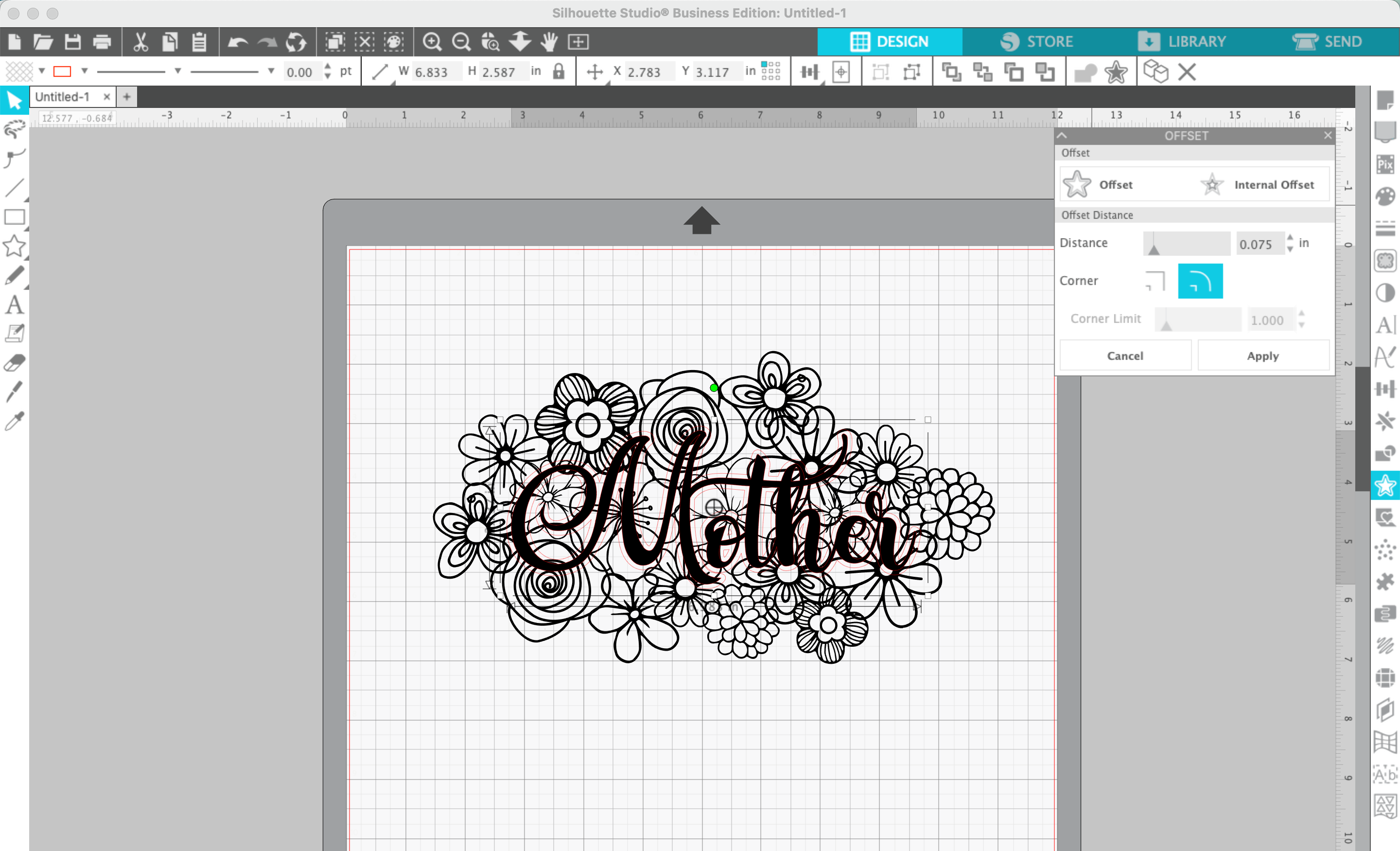
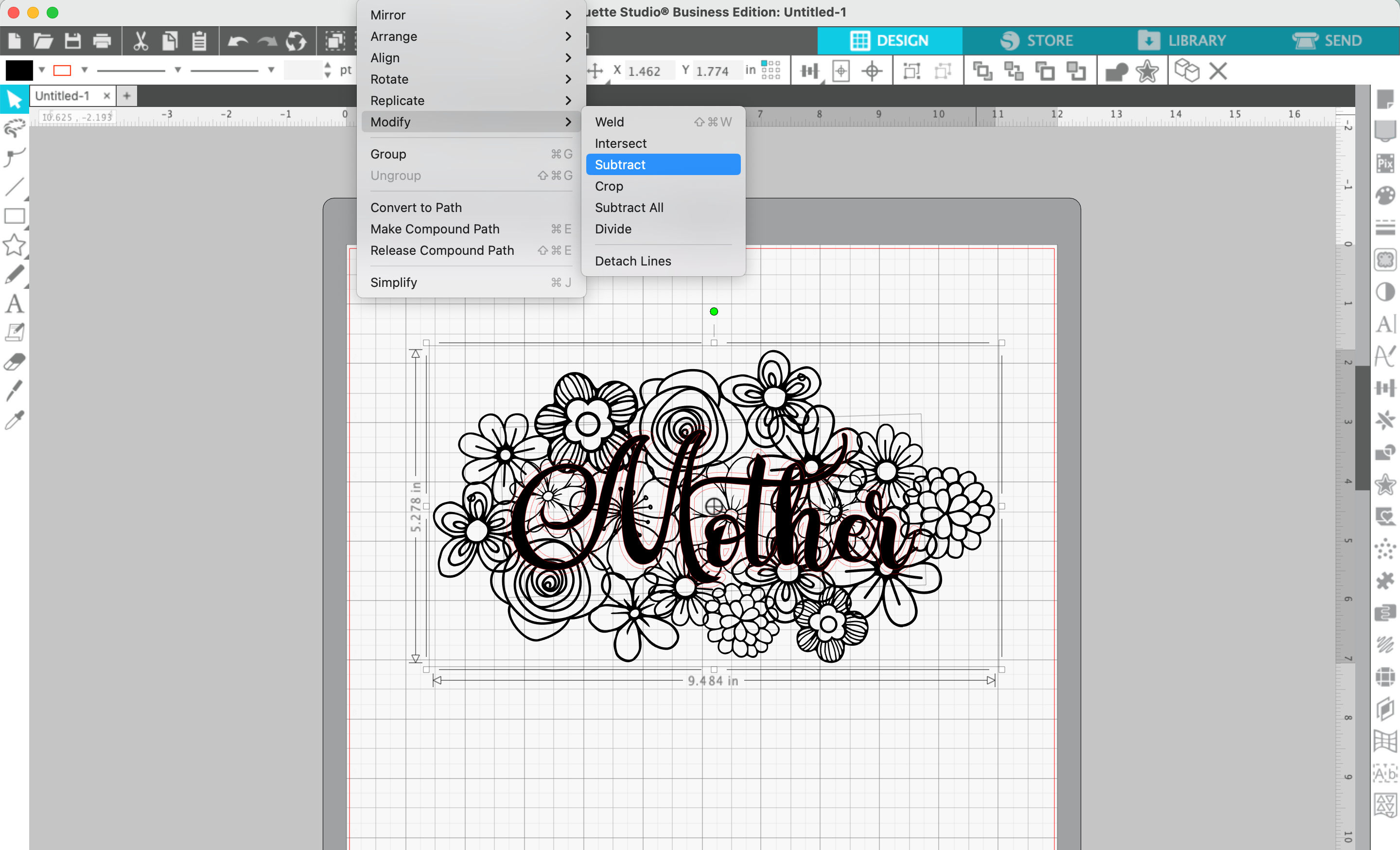
7. Select the floral cluster, then the text offset. Navigate to ‘Panels’, ‘Offset’, ‘Subtract’.
8. Add color if you’d like.
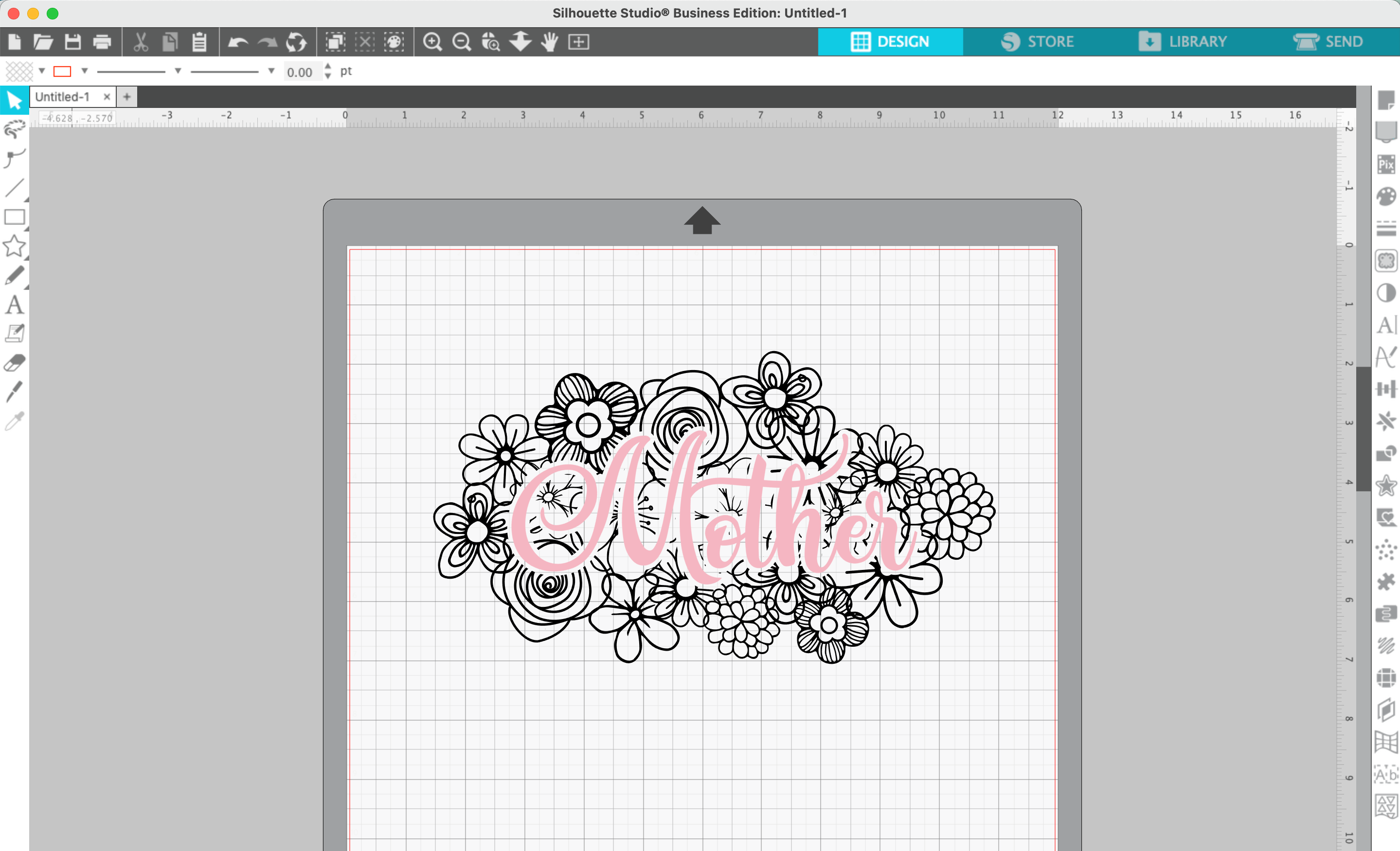
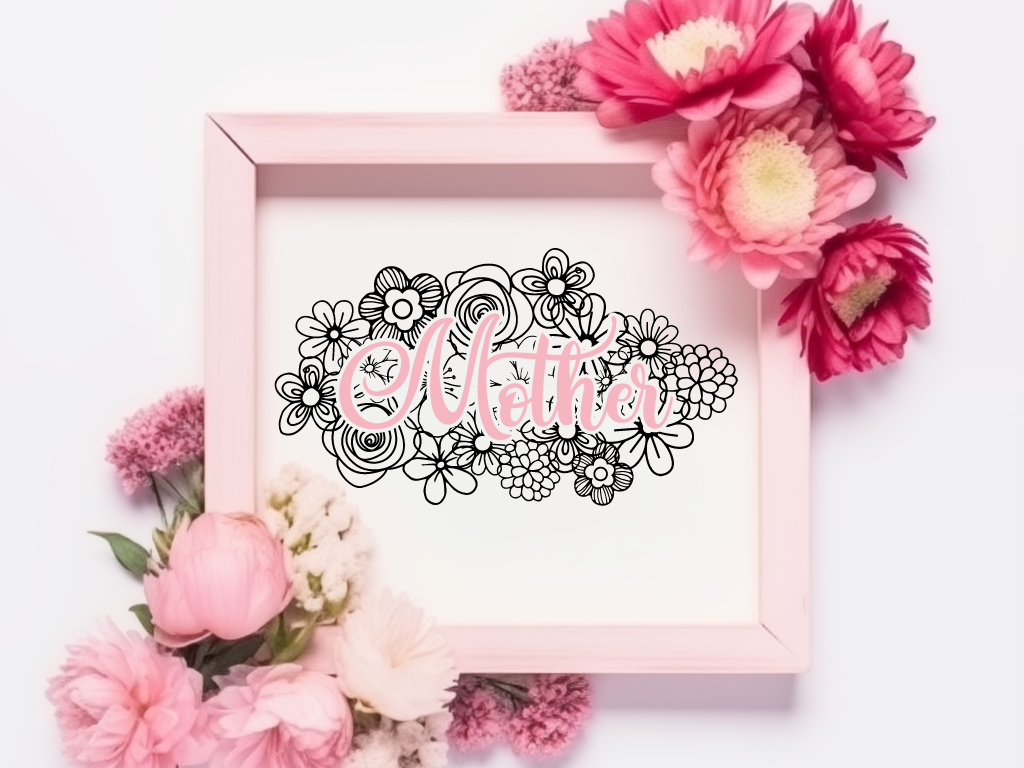
That’s it! Your design is ready to go!
Don’t Forget to Save!
To save your new SVG creation, head to ‘File’, ‘Save As’, ‘Save to Hard Drive’, name the file, then select ‘SVG’ from the dropdown menu.
Want More SVG Tutorials?
View more Design with Me SVG tutorials.
Download Free Mother’s Day SVG
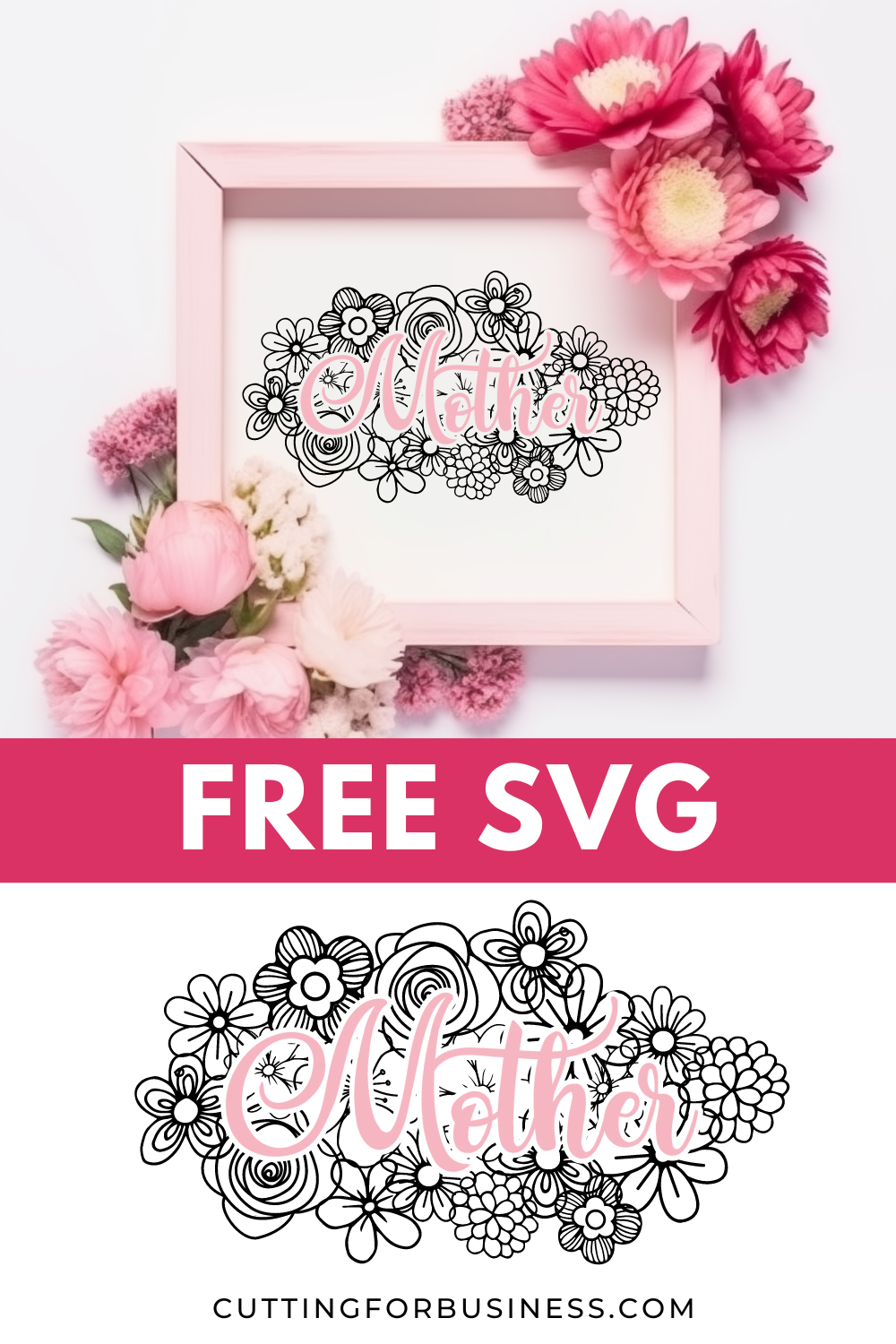
Don’t have time to design it yourself? This SVG design is available free to Cutting for Business mailing list subscribers. Download it.
What will you receive in your email box from Cutting for Business? You’ll receive 4-5 emails per week related to crafting, freebies, exclusive deals, and more!
Leave a Reply