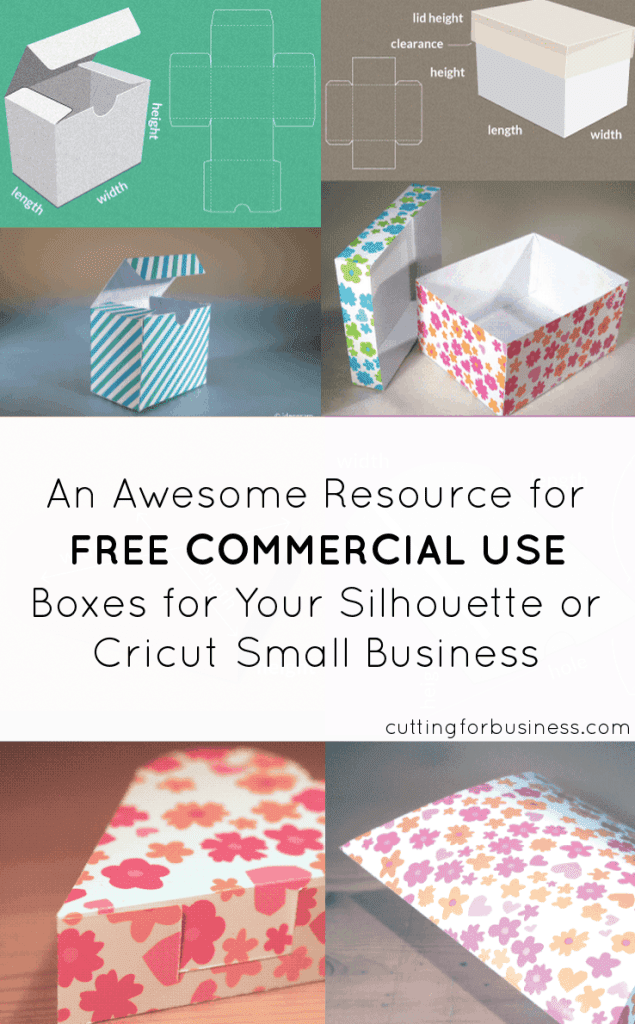
Several Cutting for Business readers have asked me if I knew about creating your own boxes for products created with your Silhouette. I have a few resources to share for making your own boxes.
First, the Silhouette Design store has tons of boxes in all shapes and sizes to choose from. Click here to see the various boxes in the Silhouette Design store.
Next, there’s a website called Template Maker that will allow you to create various boxes in whatever size you need. The files are all licensed for commercial use and no credit back to the site is required.
Tutorial to Use Template Maker
Step 1) Click on the box that you are interested in creating.
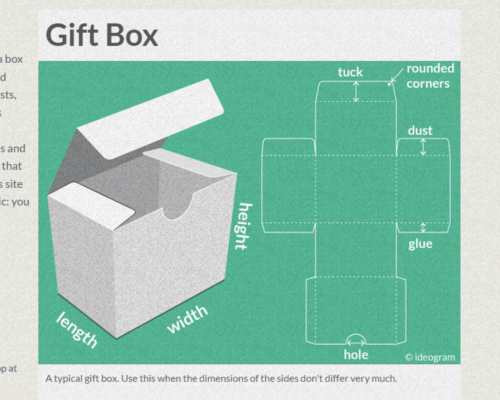
Step 2) Enter the dimensions for your box.
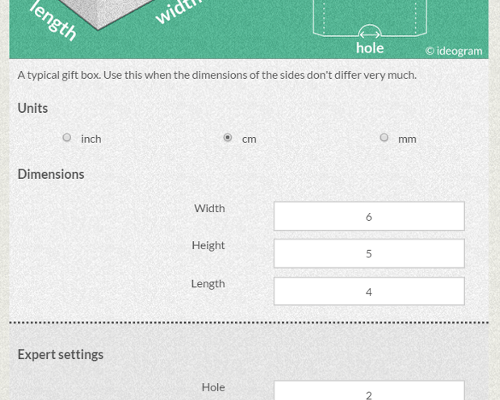
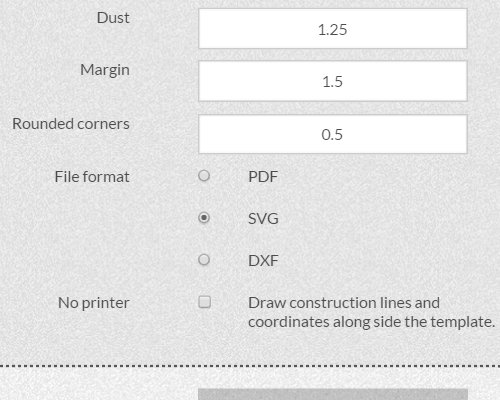
Step 3) If you are using Silhouette Studio Designer or Business Edition or a Cricut, choose .svg and click “Create”. If you are using Silhouette Studio Basic Edition, choose .dxf and click “Create”. Save your box. You can now open it in Silhouette Studio or Cricut Design Space, cut it out, and put it together.
I love free resources online, and this one is awesome! Make sure to head to one of the social media links at the bottom of Template Maker to say thanks for providing this super helpful site!
Leave a Reply