I’ve shared before that videos are a great way to encourage interaction with your followers on social media. Today, I’m showing you how to create animated social media graphics – easily – using an app called Ripl.
Tutorial to Create Animated Social Media Graphics Using Ripl
- Install Ripl on your smartphone, then open the app. Tap the “+” sign to get started:

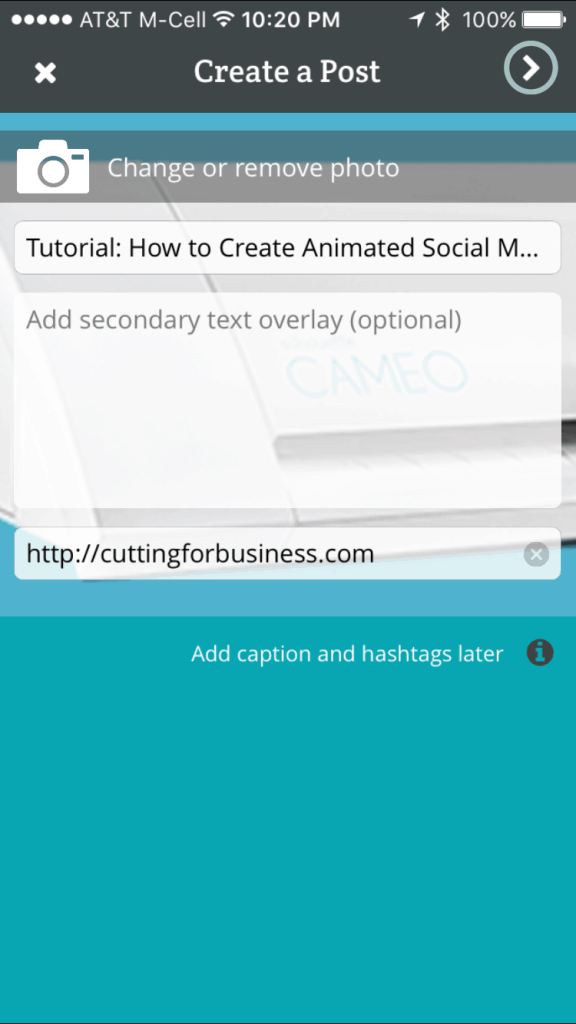
- Upload a photo, enter text, and a link to your product or shop:
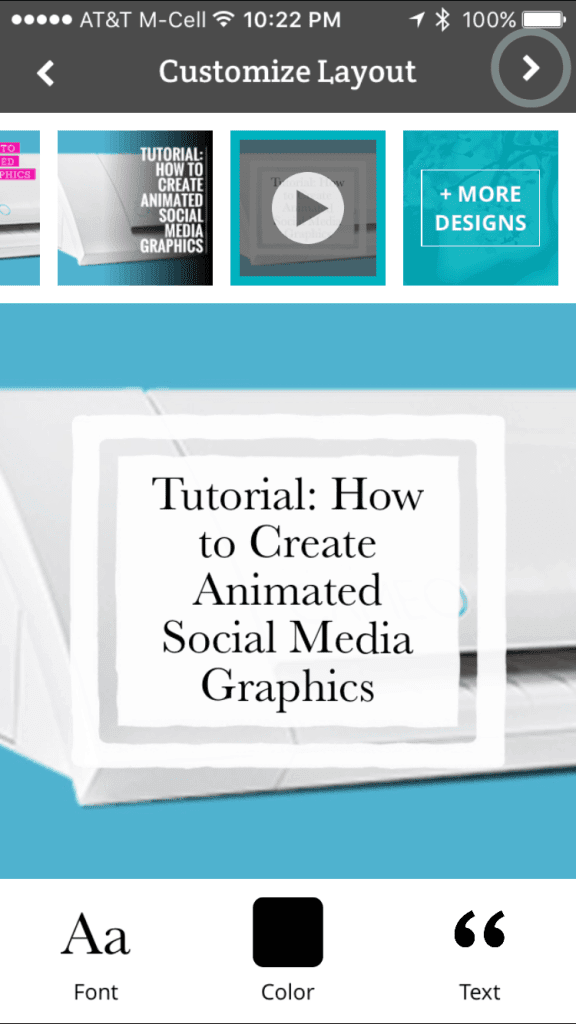
- Choose an animated overlay. Use the buttons at the bottom of the screen to fine tune your design. Some layouts are free while others require a subscription:
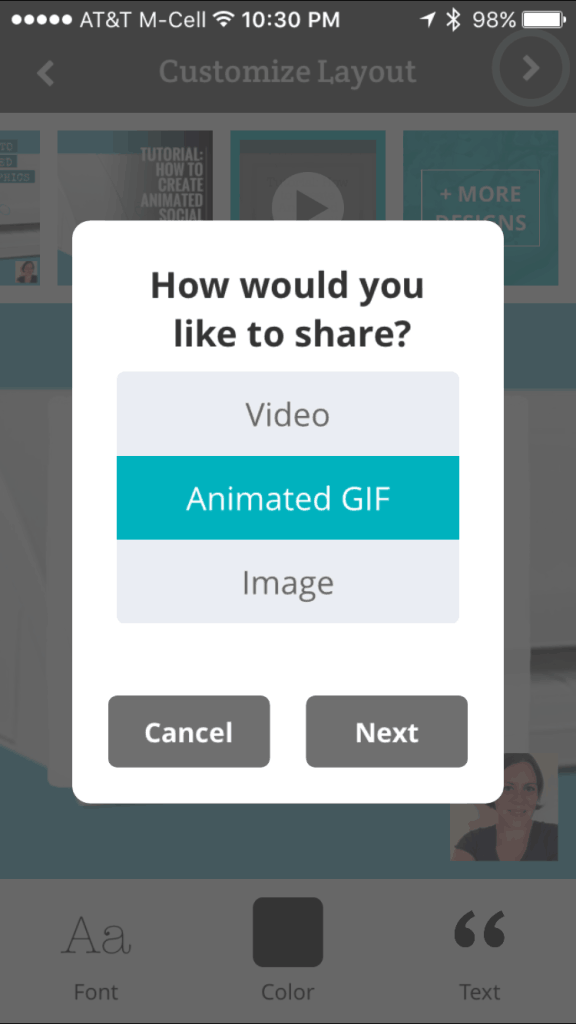
- That’s it! Choose how you would like to share your post:
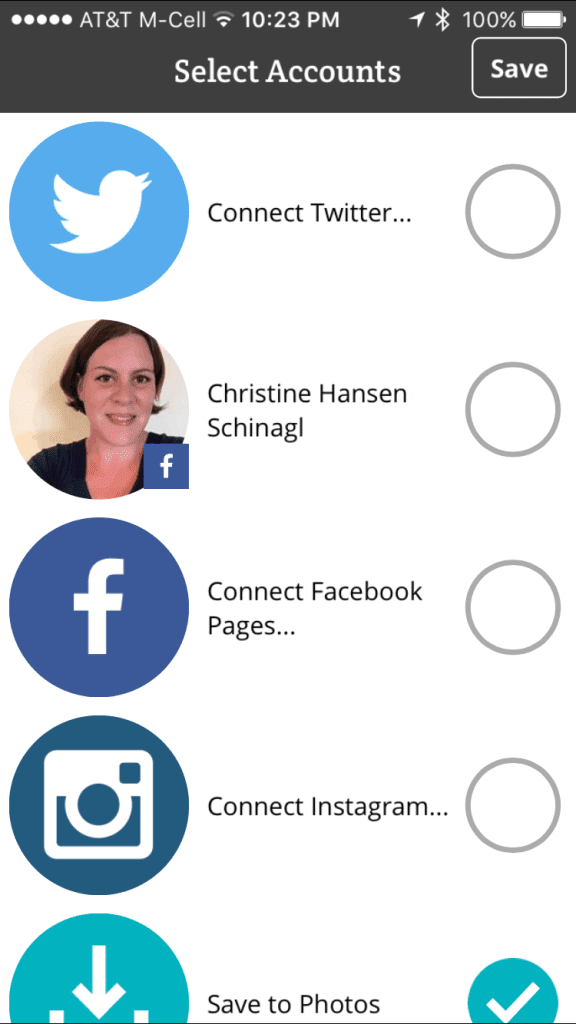
- Upload it to your favorite social media network, or save it to your camera roll:
- Here’s my animated social media graphic: [huge_it_video_player id=”4″]
To see more posts on videos on Cutting for Business, click here.
Share this tutorial on Pinterest by hovering over the image below:
Leave a Reply