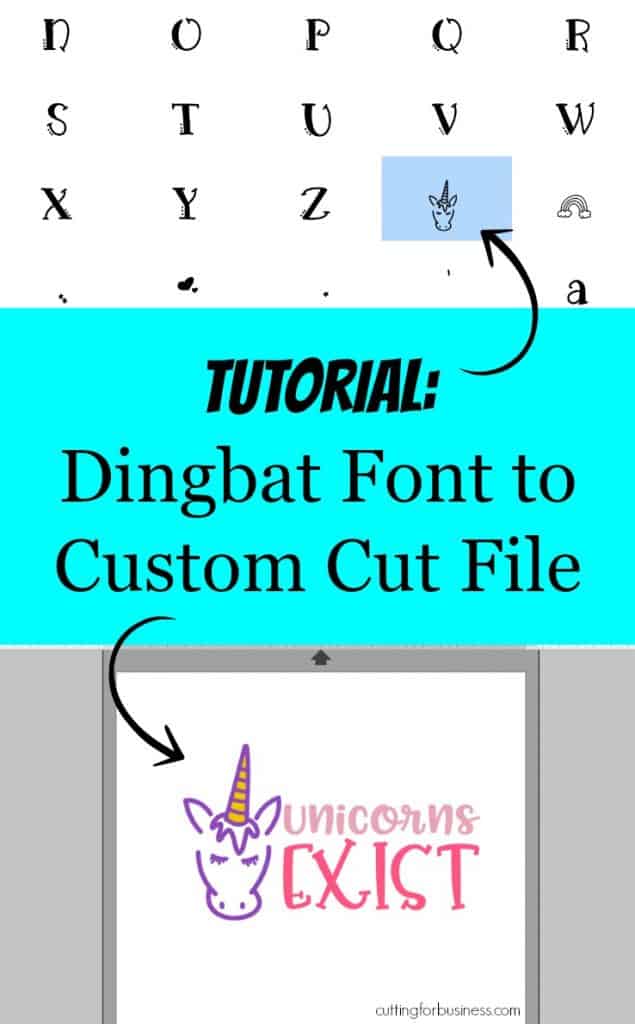
A few days ago I downloaded The Best Sellers Font Bundle Vol IV by Font Bundles and it had several fonts with dingbats in it. (If you don’t know: A dingbat is a symbol or image included with a font. Also, some fonts are made entirely of dingbats.) Personally, I love dingbats! Why? You can use dingbat fonts to create custom cut files to use in your Silhouette or Cricut small business.
How to Use Dingbats to Create Custom Cut Files
- Locate the dingbat/glyph you want to use in Font Book (see these instructions for Mac) or Character Map (see these instructions for PC).
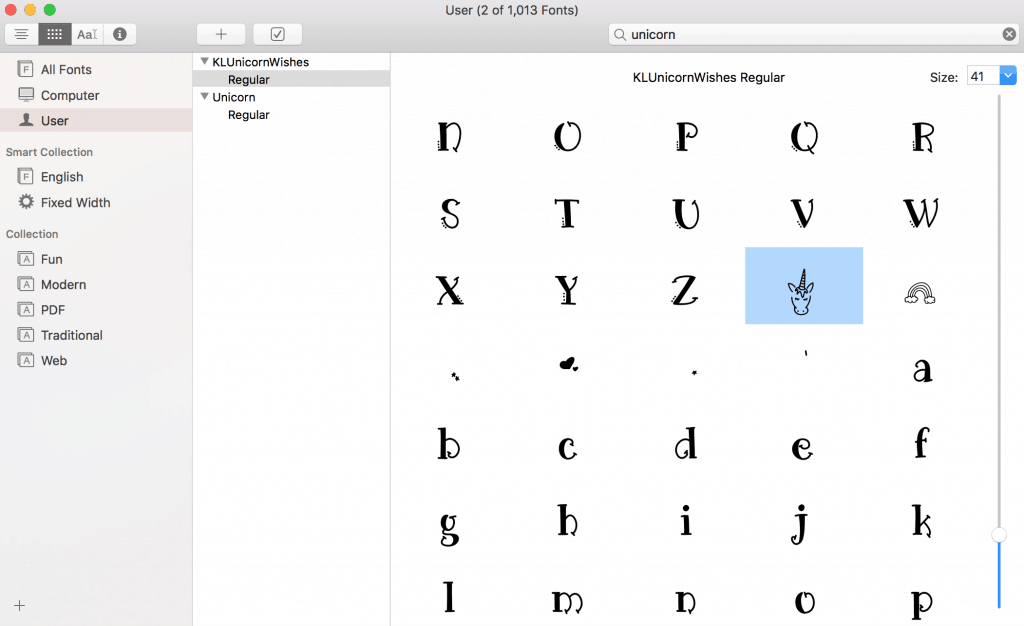
- Copy and paste it into Silhouette Studio (or Cricut Design Space):
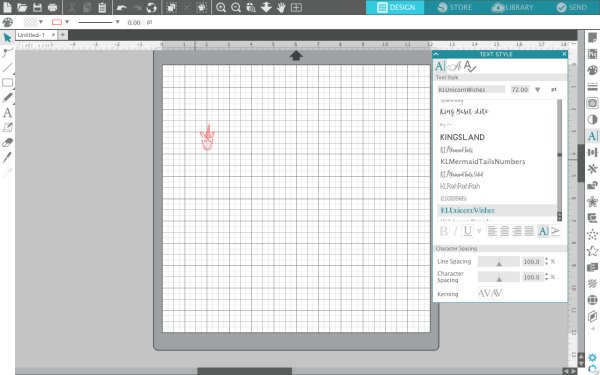
- Resize the dingbat as needed.
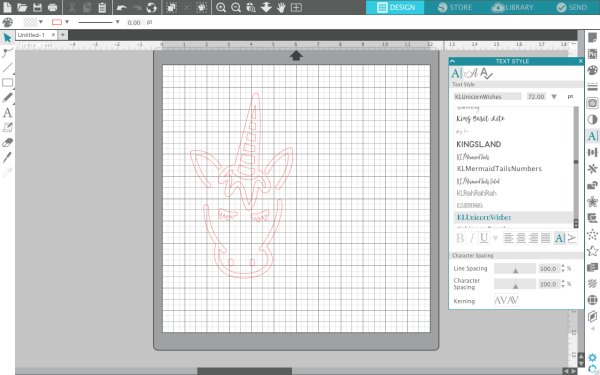
Now, the file is ready to cut as is – or you can add other images or text:
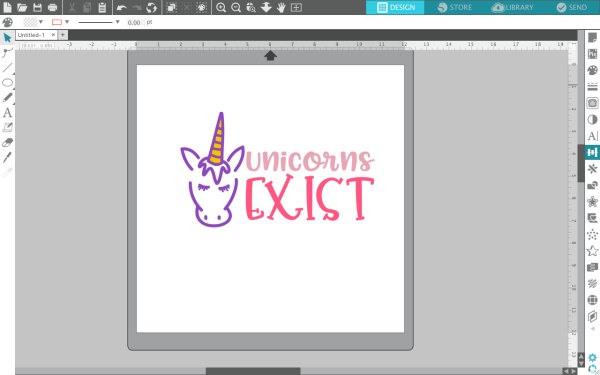
Wondering about the fonts I used? You can find them all in The Best Sellers Font Bundle Vol IV for a limited time only. Not up for purchasing the whole bundle? You can buy them a la carte: the unicorn head is Unicorn Wishes, the “unicorns” text is Pinsetter Littles, and the word “exist” is Pinsetter Tails.
Note: If you are using a dingbat in a product or design for sale – be sure that you have a commercial use license with the font. Learn more in this post.
Save this image to Pinterest, then download the Unicorns Exist cut file below.
Download the commercial use Unicorns Exist SVG at this link.
Leave a Reply