Like most crafters and small business owners – I hate wasting materials! Remember all those leftover wooden discs after yesterday’s Christmas advent calendar tutorial? I decided to make them into jewelry using my Silhouette Curio.
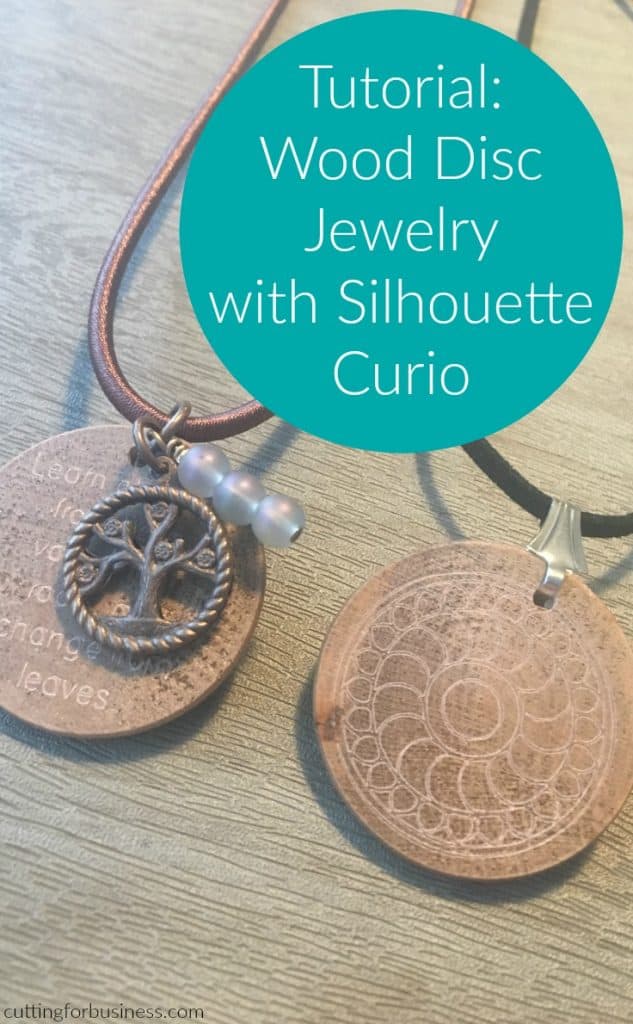
Here’s pictures of the two necklaces I made:
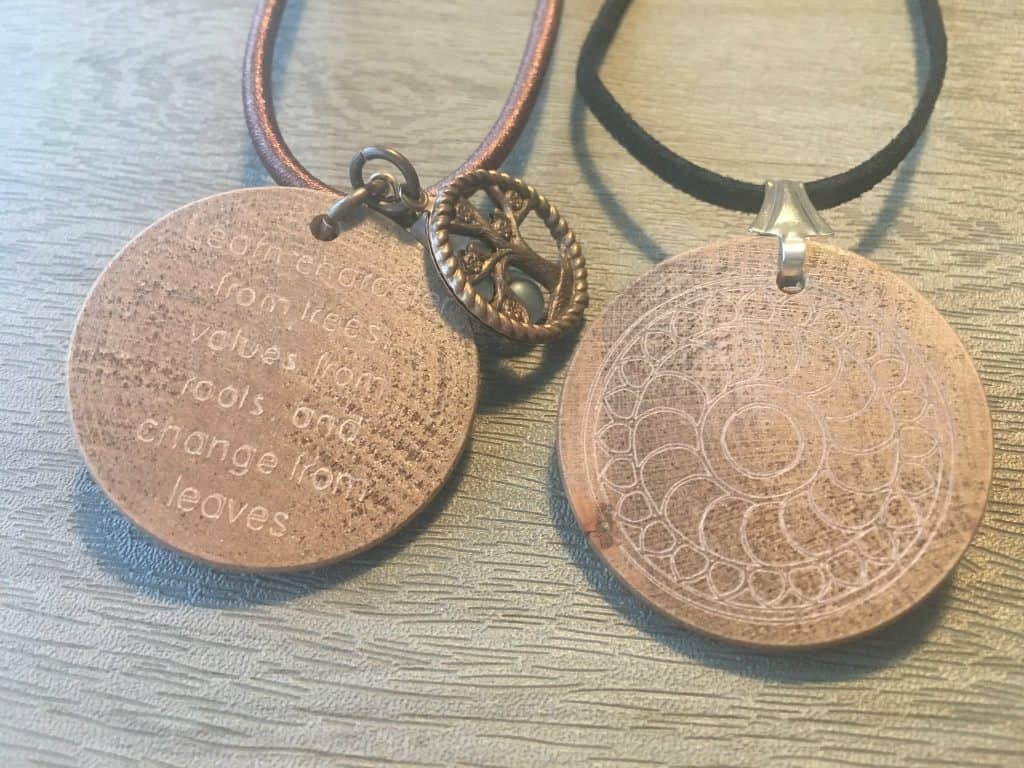
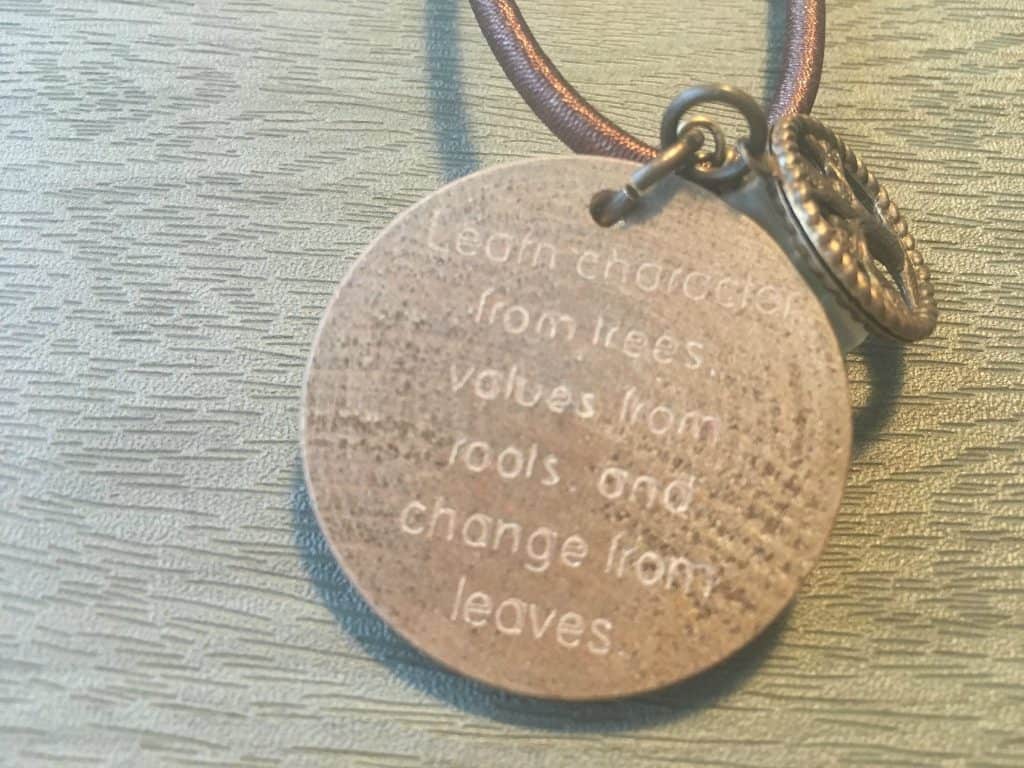
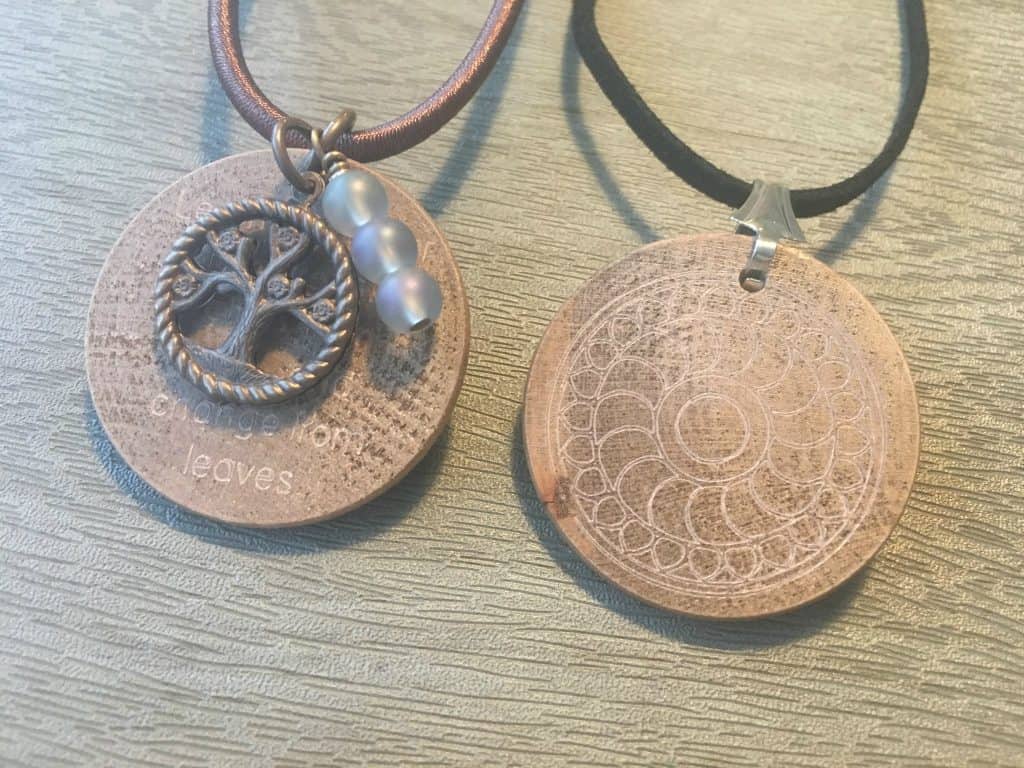
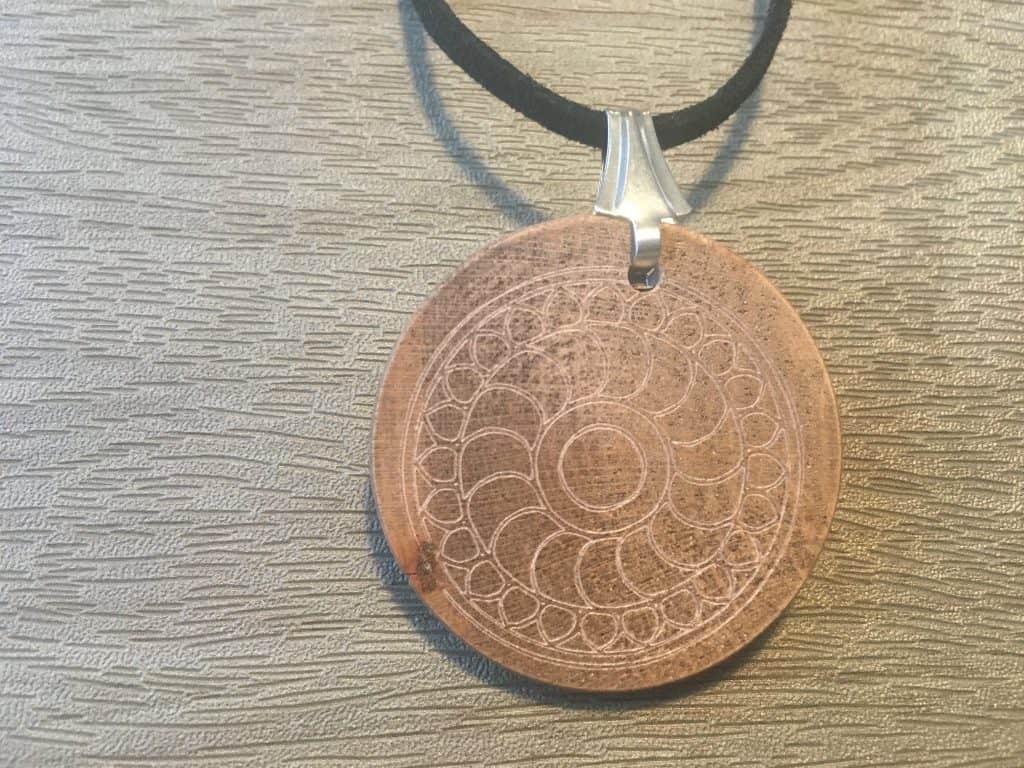
Here’s how I made these:
- Created designs in Silhouette Studio. For the text, I used a one line font. You can find a list of free single line fonts (good for engraving, etching, and sketching) from this blogger’s post.
- Stain the wooden disc and let it dry.
- Load the disc into the Curio. I used just a mat with no platforms. The discs are a little bit over 3mm thick, so once I put them on the embossing mat, I was set to go.
- My settings were Emboss (Fine), speed 5, thickness 33, double cut using the Chomas Etching Tool.
- After the discs were etched, string them on to your favorite corded necklace using jump rings or bails.
Save this post to Pinterest:
Leave a Reply