Mother’s Day is coming, so let’s take a few minutes to design a Mother’s Day SVG.
Before you start your Mother’s Day SVG, you’ll need a list of words related to mothers and qualities they possess. Here’s what ChatGPT came up with.
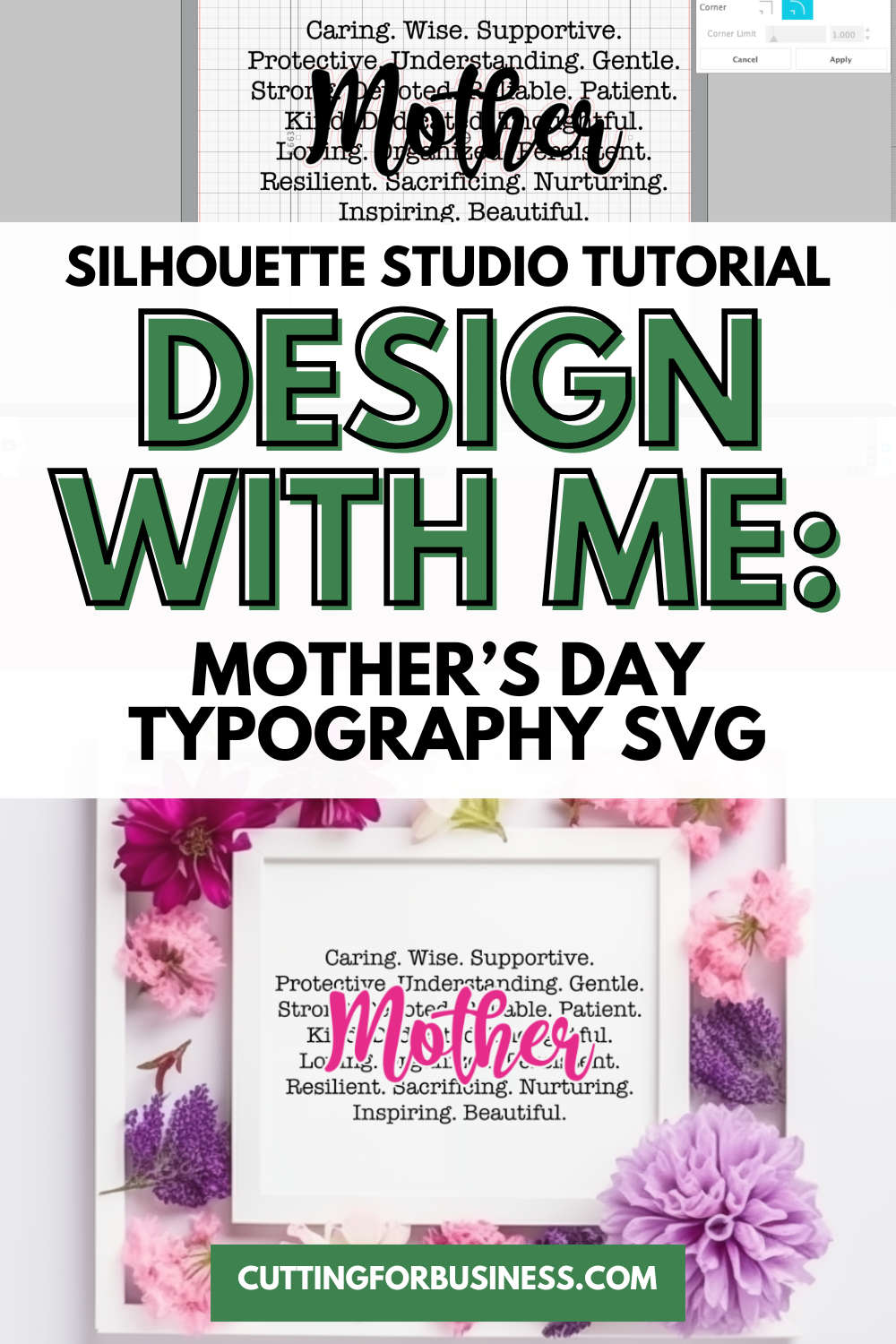
Tutorial: Mother’s Day Typography SVG
- In Silhouette Studio, type about 20 of your favorite words from the ChatGPT list in a font of your choice. I used a typewriter font.
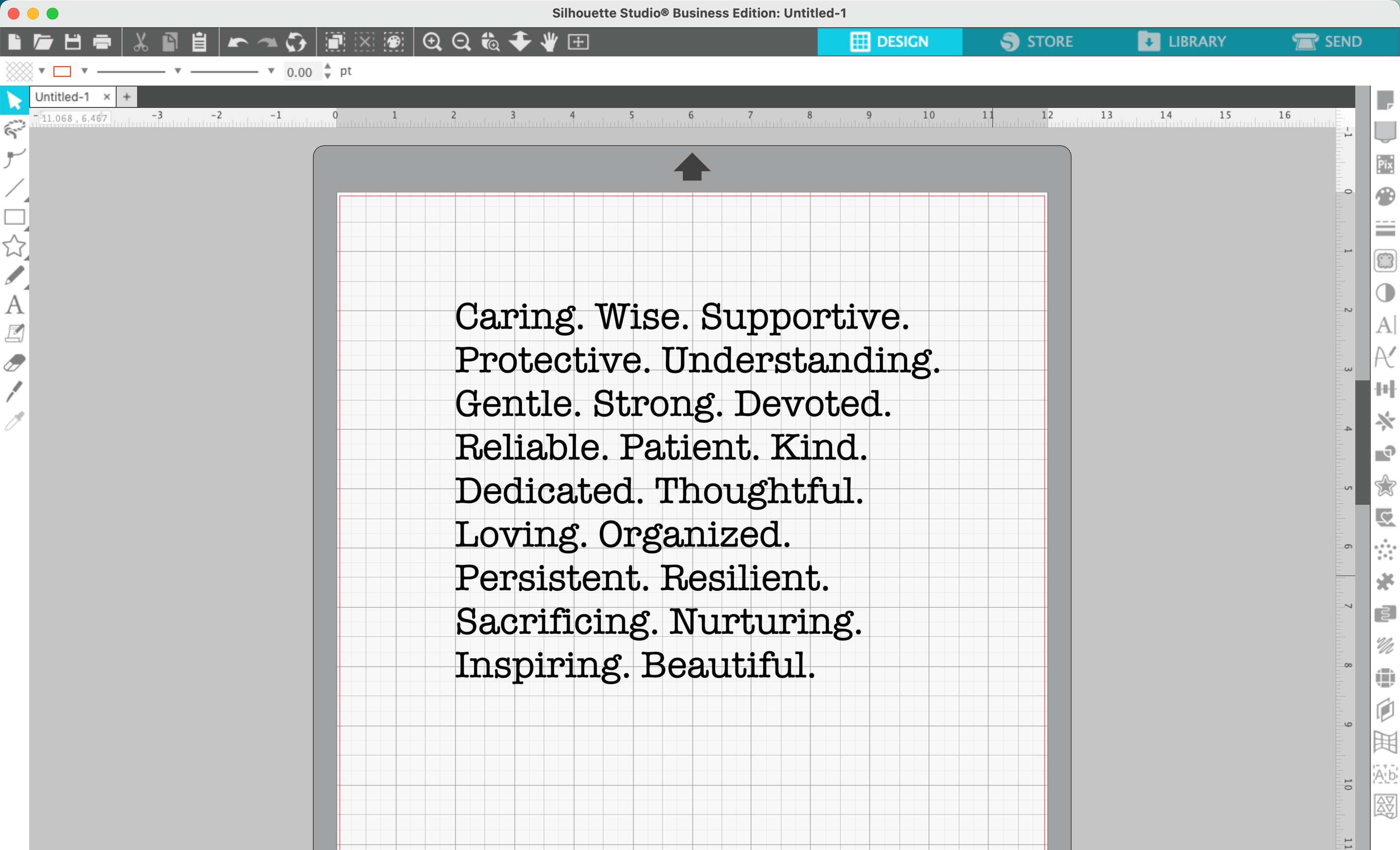
2. Double click on the words to bring up the blue bar that allows you to resize the text box. Resize the text box to arrange the words as you’d like.
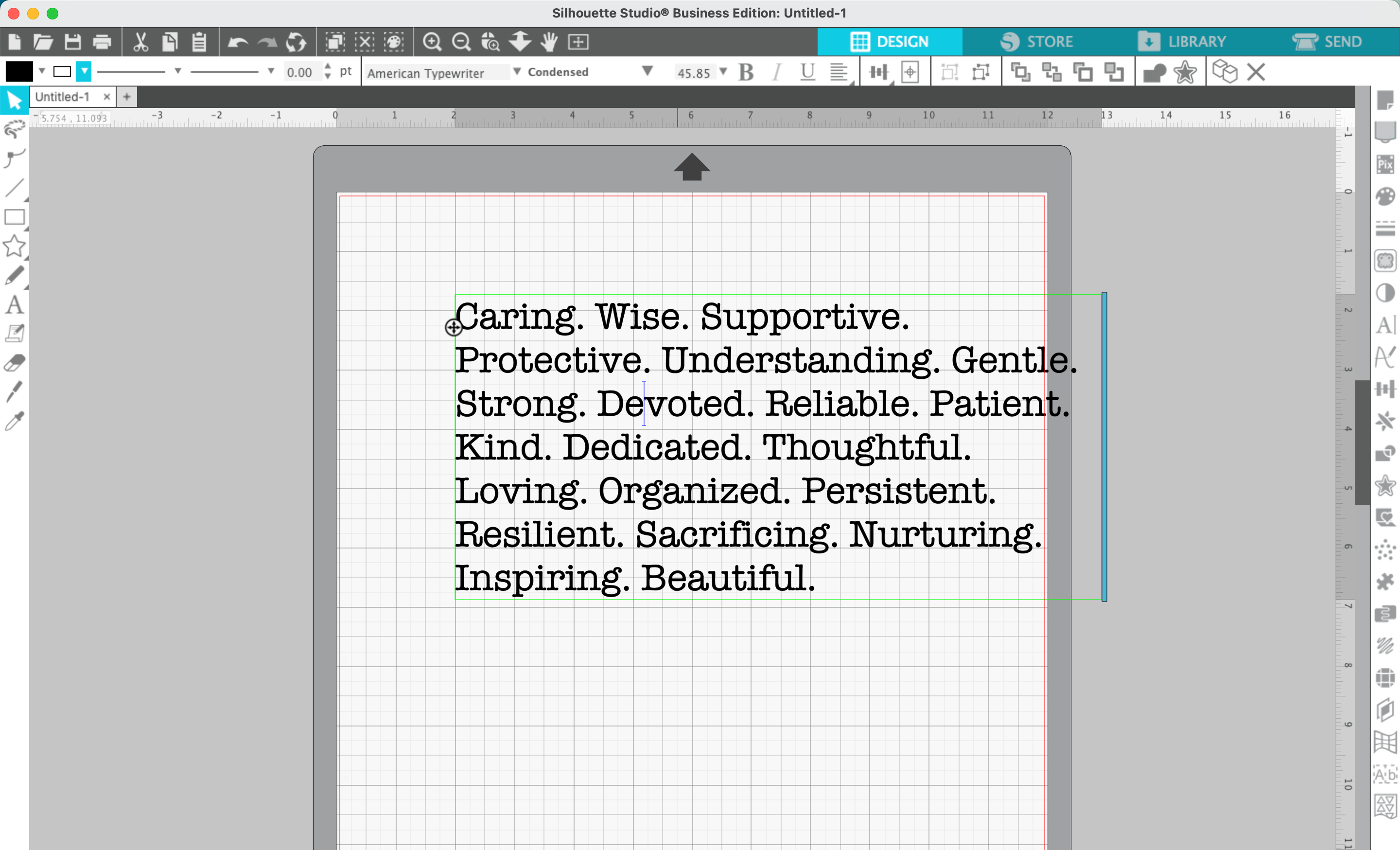
3. Navigate to ‘Panels’, ‘Text Style’. Adjust the alignment (left, right, or centered), the line spacing, or the character spacing.
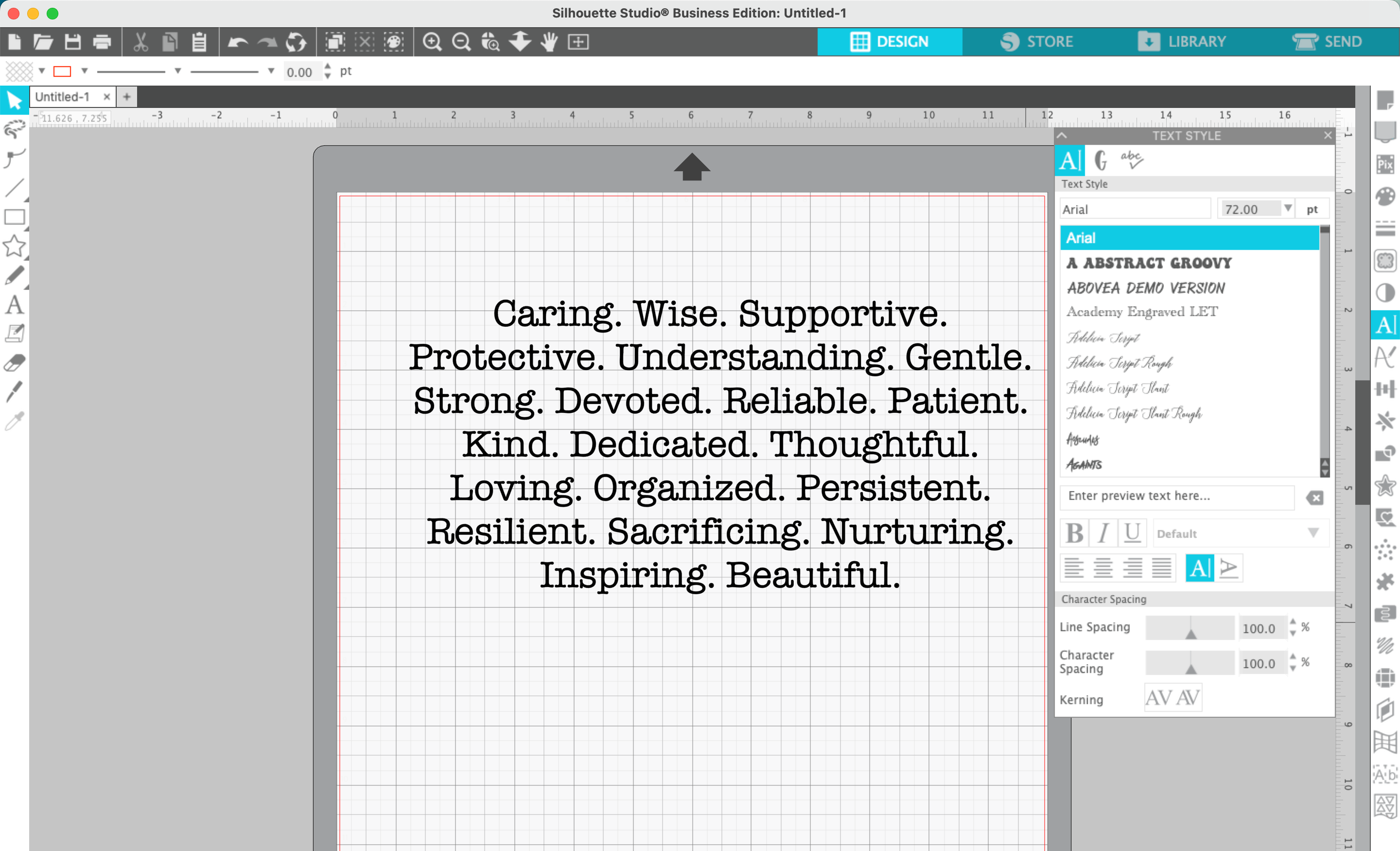
4. In a new text box, type ‘Mother’, ‘Mama’, ‘Mom’, ‘Nana’, ‘Grandma’, or other word of your choice in a script font. I used this font. Drag the word onto the top of the other words.
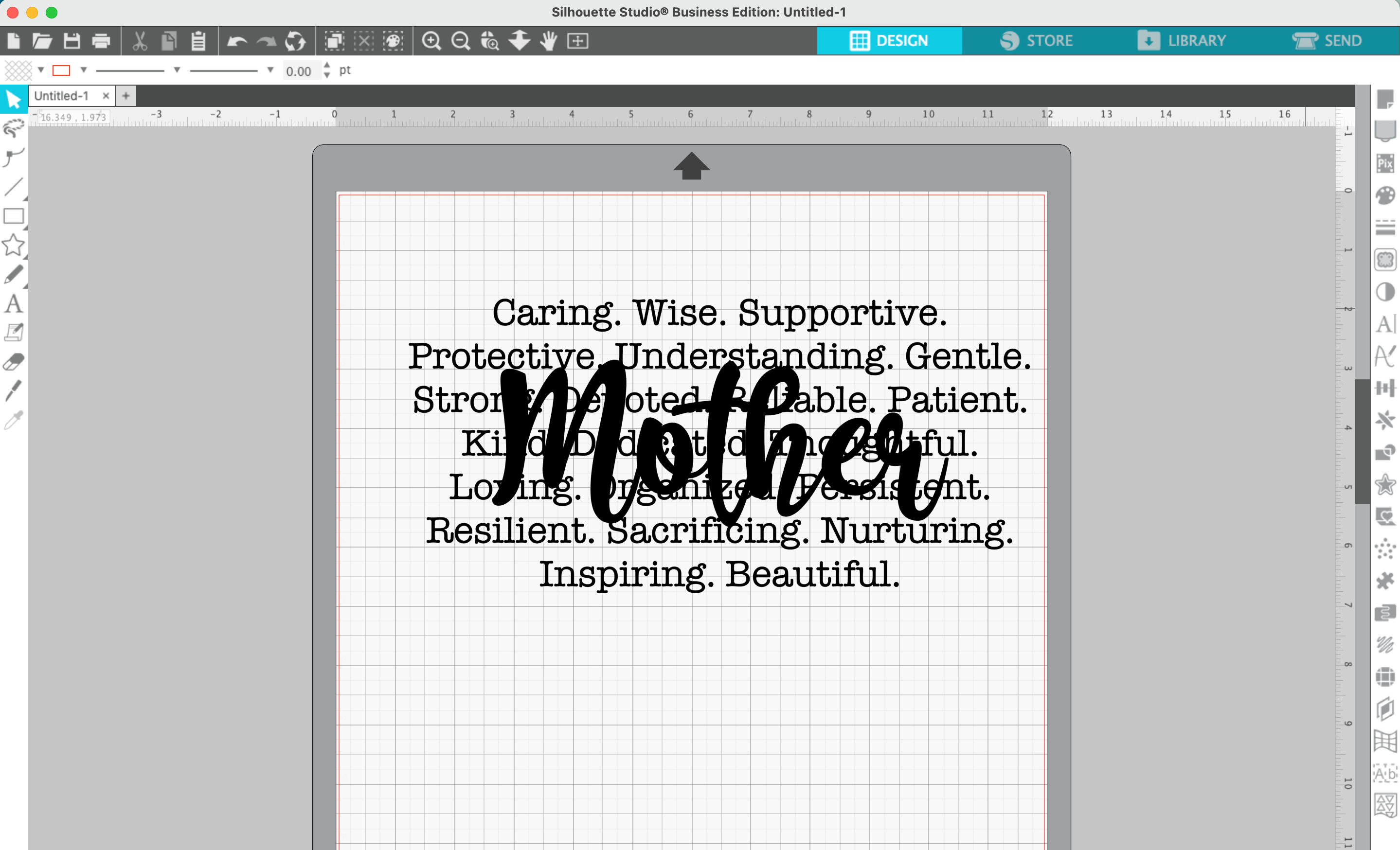
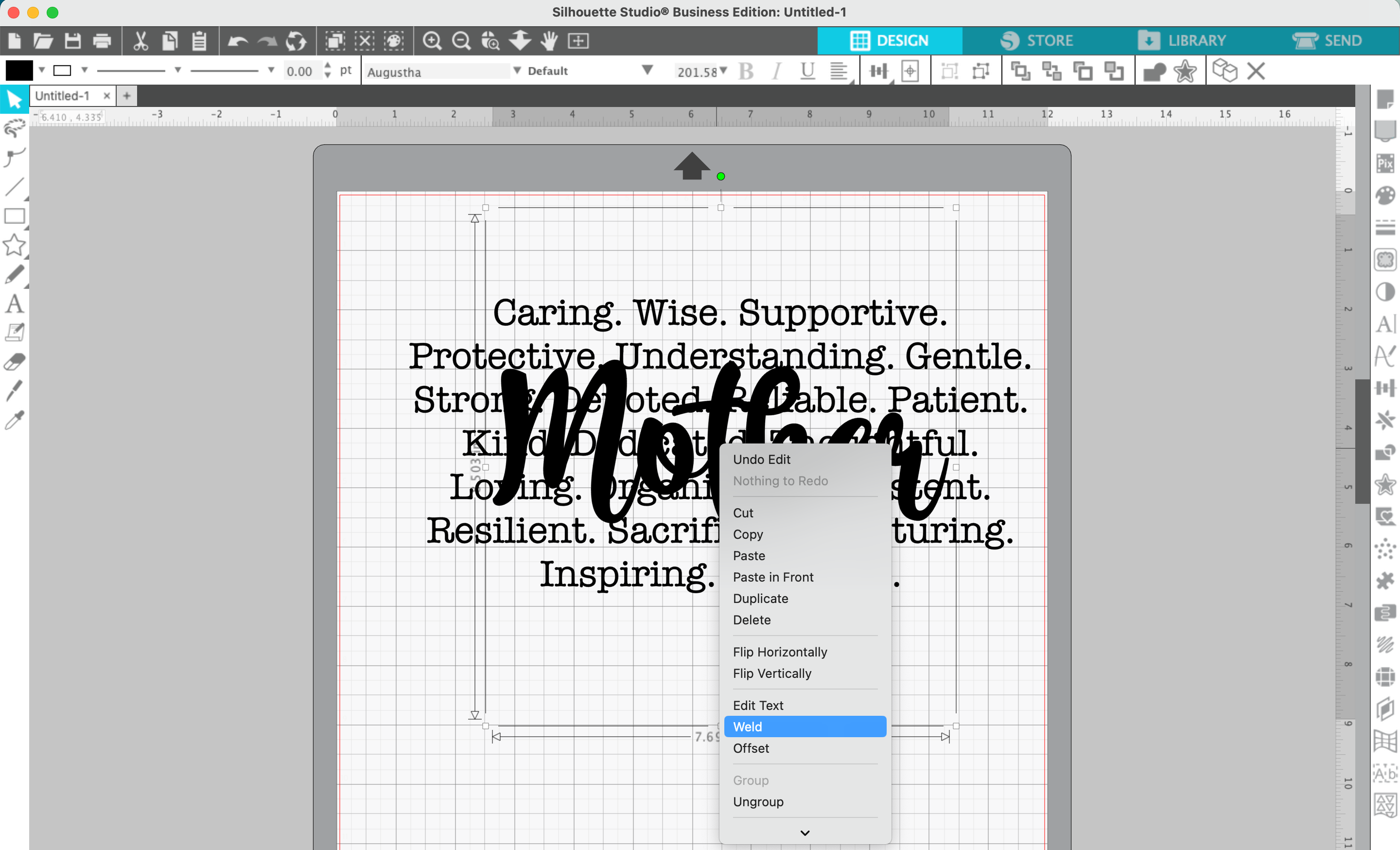
5. Right click on the text and weld it.
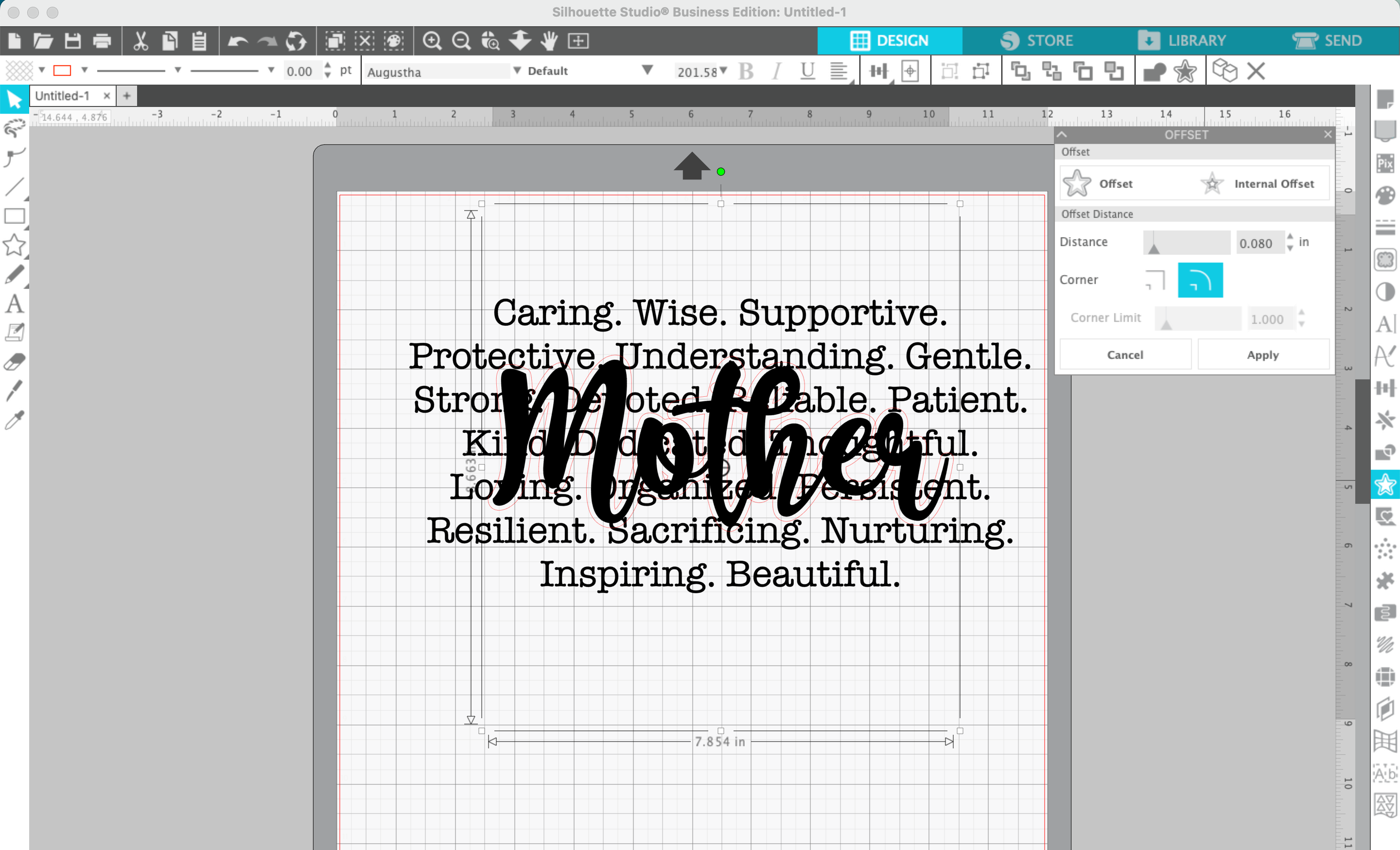
6. Navigate to ‘Panels’, ‘Offset’, then offset the word.
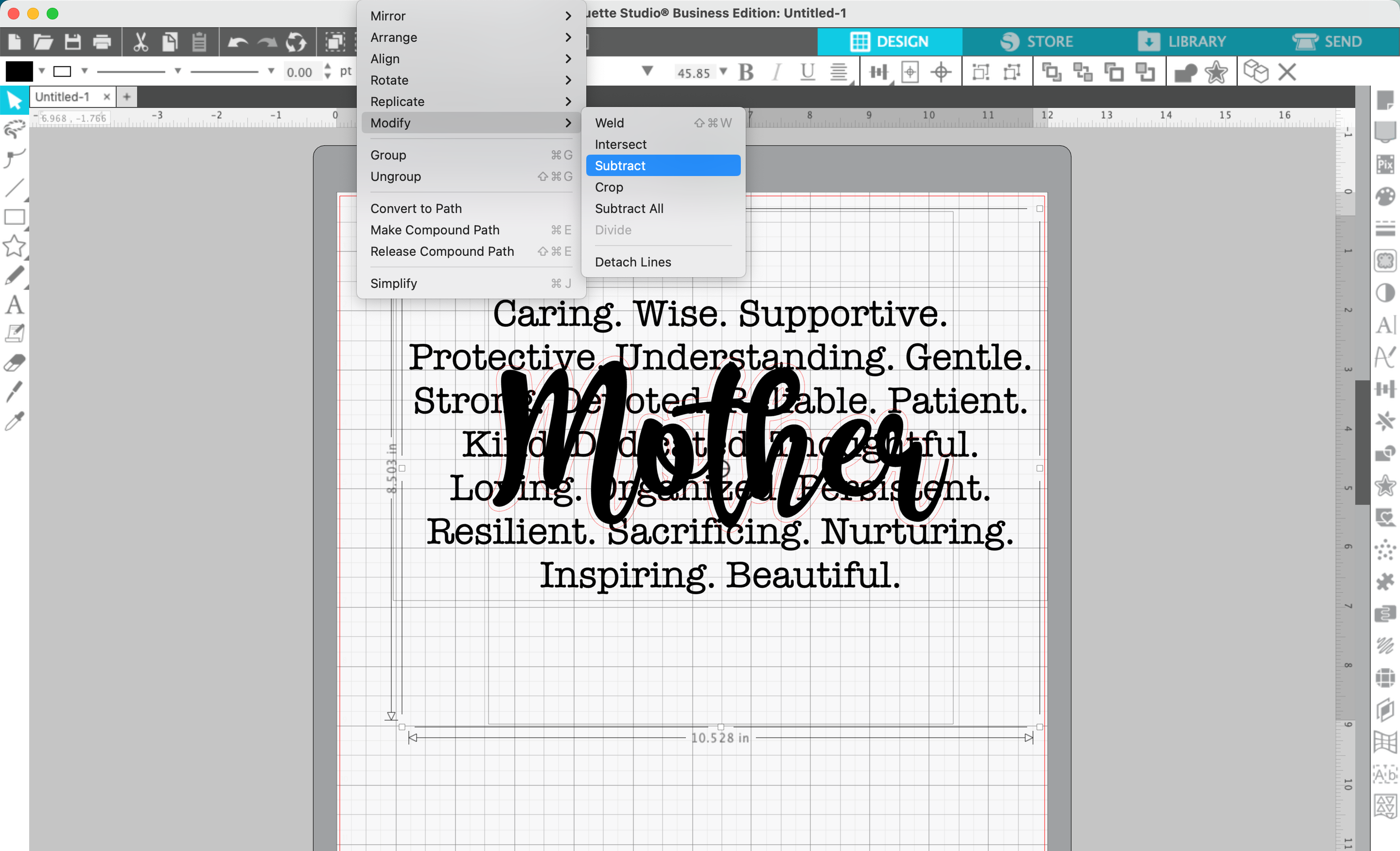
7. Click the background text, then the offset text, and navigate to ‘Object’, ‘Modify’, ‘Subtract’.
8. Add color to your design.
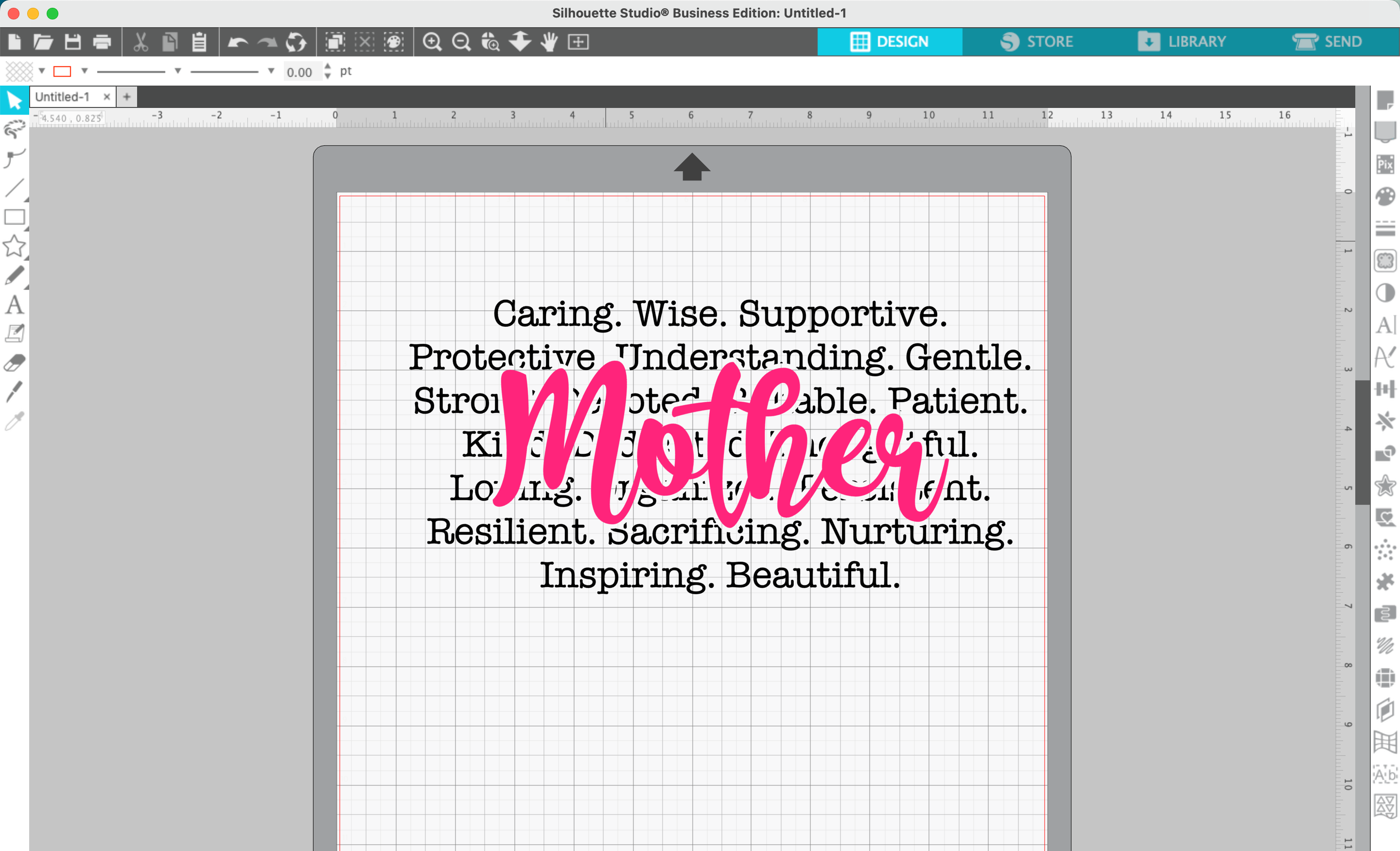
That’s it! Your design is ready to go!
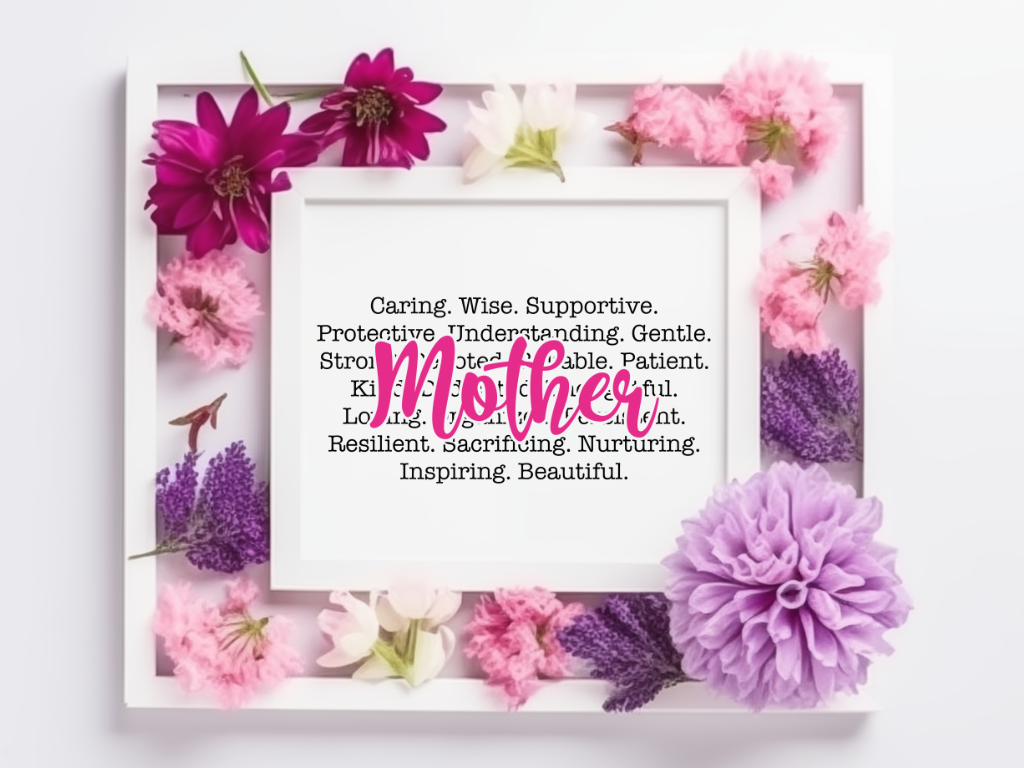
Don’t have time to design it yourself? This SVG design is available free to Cutting for Business mailing list subscribers. Download it.
Don’t Forget to Save!
To save your new SVG creation, head to ‘File’, ‘Save As’, ‘Save to Hard Drive’, name the file, then select ‘SVG’ from the dropdown menu.
Want More SVG Tutorials?
View more Design with Me SVG tutorials.
Leave a Reply